Trending
You simply cannot pause some games due to numerous reasons; some of them are online titles where pausing the game could break the game's fluidity, while for some, the developers simply don't allow you to pause their games because they want to torture you (Souls-likes mostly).
Monster Hunter Wilds, the newest action RPG from Capcom, is one of those games whose online features could suffer if you decide to pause the game wherever you want—you cannot let others wait for you just because you feel like drinking a glass of water or bring yourself a snak while playing.
However, pausing the game in Monster Hunter Wilds is entirily possible, if only you knew what exactly to do. If you don't, we have the answer for you in the following guide.
How to pause the game in Monster Hunter Wilds
Once you start playing Monster Hunter Wilds, you'll immediately notice that if you try to pause the game, only the pause menu will appear, but nothing will stop—the main character and all around him/her will go on with their lives. This is actually okay if you're inside safe zones, but if you're surrounded by enemies, it will be a game over very soon.
However, as we said earlier, there is a way to pause the game, and that can be done in two different ways. The game can be paused during cutscenes. To do that, simply press the Triangle button (PlayStation 5 controller) and then R3—this action will pause the game regardless of a mode you play the game in.
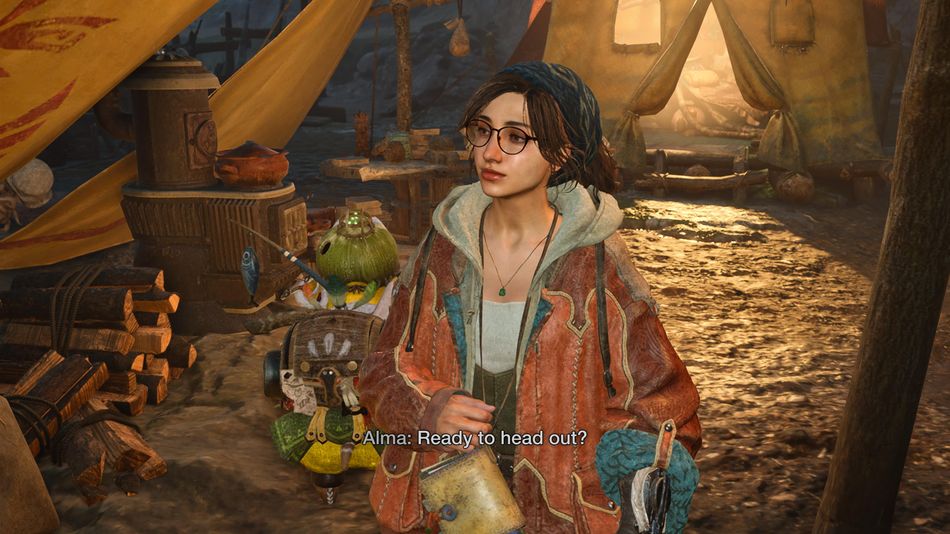
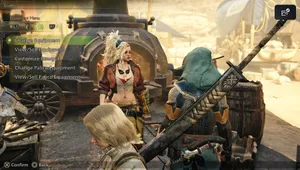
The other, more important way is how to pause the game during regular gameplay. To do that, you'll need to switch the gameplay to the Online Singleplayer mode. You can do this by talking to Alma in any camp and choosing the Open the Quest Board option. After that, navigate to the third tab called Change Lobby Menu and choose the Online Single Player option.
This will switch your game to offline mode, but fear not, you'll still be able to enlist the SOS and connect to the other players when needed. You will be transferred back to the online mode, and once you're done, you'll be back to offline. Once in this mode, press the Options button and navigate to the system tab, and then choose Pause Game. This will pause your game, and you'll be able to do whatever you like and then continue whenever you feel like it.
DON'T MISS!