Trending
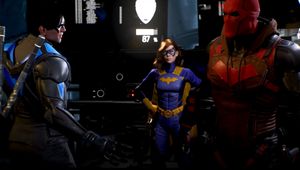
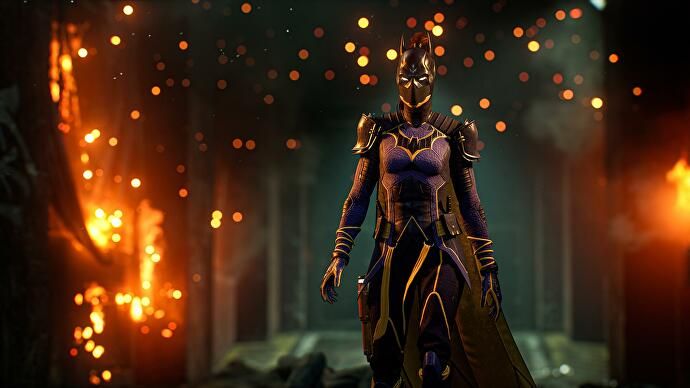
It has been a few days since the launch of Warner Bros' latest game, Gotham Knights. While some players absolutely love the game and the characters in it, others have voiced their dissatisfaction and the problems they've encountered. If you are struggling to get the best out of your game, the following suggestions might help you get a better experience.
1. Restart your PC
Yes, we know that this suggestion is silly, but give it a try. Maybe a windows update is waiting.
2. Launch the game through the .exe file
- To do this:
- Right-click your game
- Click on the "browse local files" option
- Double-click the file ending with .exe
3. Delete the save game folder
- To do this:
- Go to File Explorer
- Get into the C: Drive
- Go into the Users folder
- Go to User folder
- Go to AppData folder (This folder is hidden and in order to access it make sure that the "hidden items" check box in the View section (Top left of the window) is checked)
- Go to Local folder
- Delete "WB Games" and "Mercury"
- Restart your game
4. Run your game through your Antivirus
5. Put -force-d3d11 or -dx12 in launch options
- To do this:
- Go to Library
- Right Click Game
- Properties
- General
- Insert below "Launch Options"
6. Disable Steam Overlay
7. Run your game as an administrator
- To do this:
- On the desktop or Start Menu Right-click the game you want to run
- Click Run as administrator
- Select "Yes"
8. Connect your controller only once the game is fully running
9. Check for GPU driver updates
If your drivers are up to date, try manually reinstalling your GPU drivers.
- To do this:
- Go to Device Manager
- Right-click the name of the device
- Uninstall
- Restart your PC. (Windows will attempt to reinstall the driver)
10. Verify the integrity of your game files.
- To do this:
- Go to Library
- Right Click Game
- Properties
- Local Files
- Verify Integrity of Game Files
11. Set High Priority in Task Manager.
- To do this:
- Go to Task Manager
- Click on the Processes tab
- Right-click on the game task
- Select Set Priority to High
12. Turn off VSYNYC.
- To do this:
- Access the NVIDIA control panel
- Select Manage 3D Settings
- Access the features list through the Global Setting tab
- Find Vertical Sync
- Select the dropdown menu to the right
- Force on
READ MORE: The Quarry releases new character outfits for Halloween
13. Launch your game in windowed mode and turn off Ray tracing in the settings
- The hotkey to make any app windowed is Alt + Enter
Lastly, as usual, if all else fails, reinstall your game.
DON'T MISS:
- How to fix Fallout 3 freezing and crashing after Patch 1.7.0.4
- What happened with Acend at the Halo World Championship?
- A Plague Tale: Requiem - 10 ways to fix low frame rates and crashes
- Rainbow Six Siege Y7S4 first look at the new Operator Solis
- The Quarry releases new character outfits for Halloween