Trending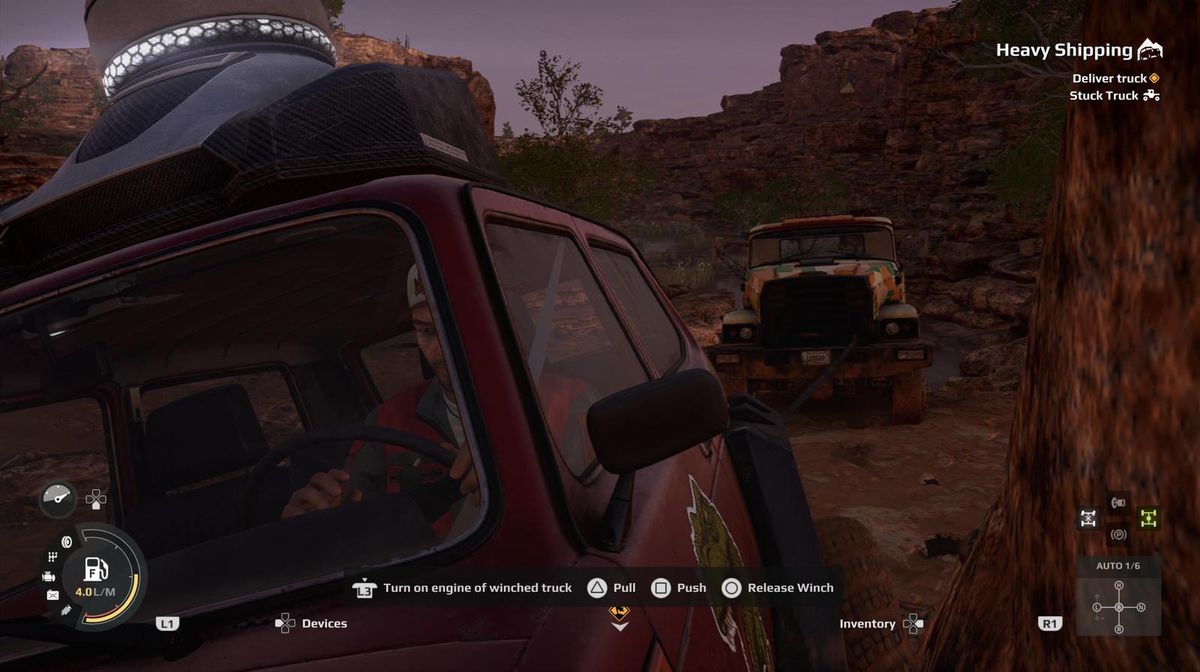

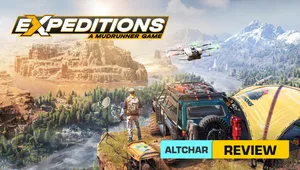
Expeditions: A Mudrunner Game, the newest off-road truck simulator by Focus Entertainment, immerses players in a serious exploration of driving mechanics on challenging terrains. In this game, every minor obstacle poses a potential threat, and errors in judgement come with significant consequences.
Among the initial, more challenging expeditions that will assess your determination and judgement is the Heavy Shipping mission. Here, your objective is to pull a hefty truck out of the mud and tow it back to the base.
Given that the mechanics of this mission might be a bit perplexing, this guide will elucidate how to successfully navigate and complete the mission without encountering significant issues.
Towing explained in Expeditions: A Mudrunner Game
In this particular expedition, whether designated as a primary or secondary objective, you will need to tow a malfunctioning vehicle back to the base. While it serves as an introductory mission explaining the mechanics of towing, the process of activating specific options can be somewhat perplexing.
Commence by attaching a winch to a section of the stranded truck and pulling it out of the mud. Once accomplished, detach the winch and position your vehicles for towing. The winch should be connected to the rear of your vehicle, while the other end of the cable should be linked to the front of the vehicle being towed.
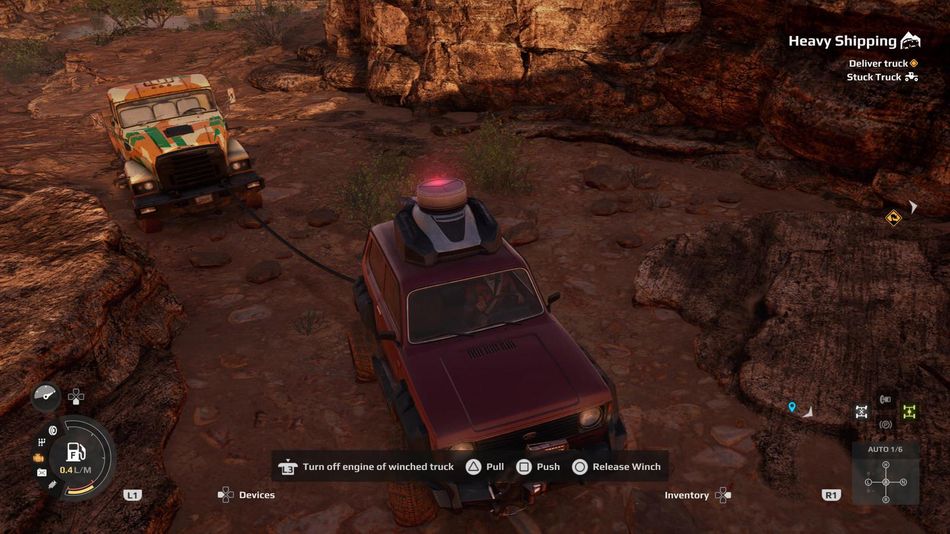
With your setup configured, use the winch button—press triangle on the PlayStation controller—to extend the cable to approximately two metres. Then, press the L3 button to activate the engine on the towed vehicle. Occasionally, the mechanics may seem a bit confusing, but you'll know it's functioning correctly when you accelerate your vehicle and observe the wheels turning on the towed vehicle.
In this configuration, any actions you perform on your vehicle are mirrored on the towed vehicle. If you identify a suitable route with few obstacles, you can efficiently reach the target location. Avoid attempting to pull the vehicle with the winch, as it won't be effective for extraction; instead, use the winch only to free it from the mud.
DON'T MISS!