Trending
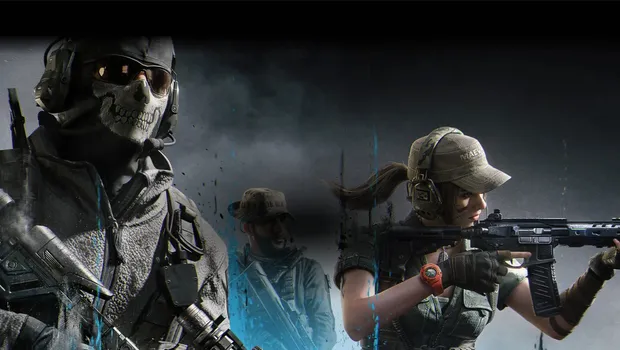
Winning battles in Warzone becomes a daunting task when plagued by low frames, stuttering, and freezing problems.
Season 1 introduces the Urzikstan map, MW3 weapons, and new Perks, but issues like audio glitches and performance lags have surfaced.
Here are effective ways to fix FPS problems and ensure a smoother gaming experience in Warzone Season 1.
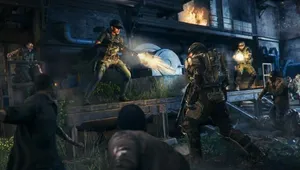
1. Optimize Warzone PC Settings:
- Check and adjust the in-game settings to ensure optimal performance.
- Disable demanding settings that might be affecting FPS.
2. Play in Fullscreen Exclusive Mode:
- Ensure that Warzone is set to Fullscreen Exclusive mode for better performance.
- Fullscreen Borderless may cause issues like low FPS, input lag, and stuttering.
3. Rollback NVIDIA Drivers:
- If the latest NVIDIA drivers are causing issues, consider rolling back to a previous version.
- Use Device Manager to roll back the graphics card driver to a stable version.
4. Adjust Hardware-accelerated GPU Scheduling:
- Experiment with Hardware-accelerated GPU Scheduling settings.
- Toggle between enabling and disabling this feature to identify its impact on performance.
5. Utilize NVIDIA DLSS:
- NVIDIA DLSS (Deep Learning Super Sampling) can enhance FPS by running the game at a lower resolution while maintaining visual quality.
- Experiment with DLSS settings in the Graphics tab to find the balance between performance and visual clarity.
6. Scan and Repair Warzone Files:
- Use the Scan and Repair feature on Steam or Battle.net to identify and fix any corrupted game files.
- Verify the integrity of game files on Steam or perform a Scan and Repair on Battle.net.
7. Turn on Weapon Motion Blur:
- Enabling Weapon Motion Blur can address low FPS, especially during the initial moments of matches.
- While it may require adjustment, it could provide a boost in frame rate.
8. Reinstall Warzone:
- If all else fails, consider reinstalling Warzone as a last resort.
- This ensures a clean installation and can catch issues that Scan and Repair might have missed.
DON'T MISS:
- Call of Duty: MW3 introduces ranked play - Everything you need to know
- Call of Duty: MW3 - How to unlock the "Yellow Jacket Akimbo Brace" stock
- Call of Duty MW3 - Double XP event end times for every region
- Call of Duty: Modern Warfare 3 server queue issues explained
- Call of Duty: Modern Warfare 3 Zombies - Explaining the Money Glitch