Trending
The only thing we can count on, when Riot Games update anything related to League of Legends, whether it's the Client of the game, is to run into unforeseen problems.
So, what do you do when your in-game settings are not working, likely due to the multitude of bugs, and your FPS is capped at 60 or 80, even though you've set it to uncapped?
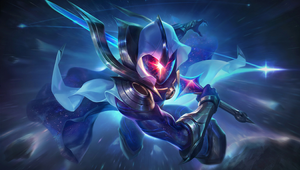
Here is a simple solution:
- Open In-game Settings
- Open Video Tab
- Check "Anti-Aliasing" and "Wait for Vertical Sync" boxes
- Save
- Uncheck both boxes again
- Save
With this your game should be back to the normal FPS values, you usually have. This is a fix that you use when you've started a game, and see that your FPS is capped, even though your settings have remained the same.
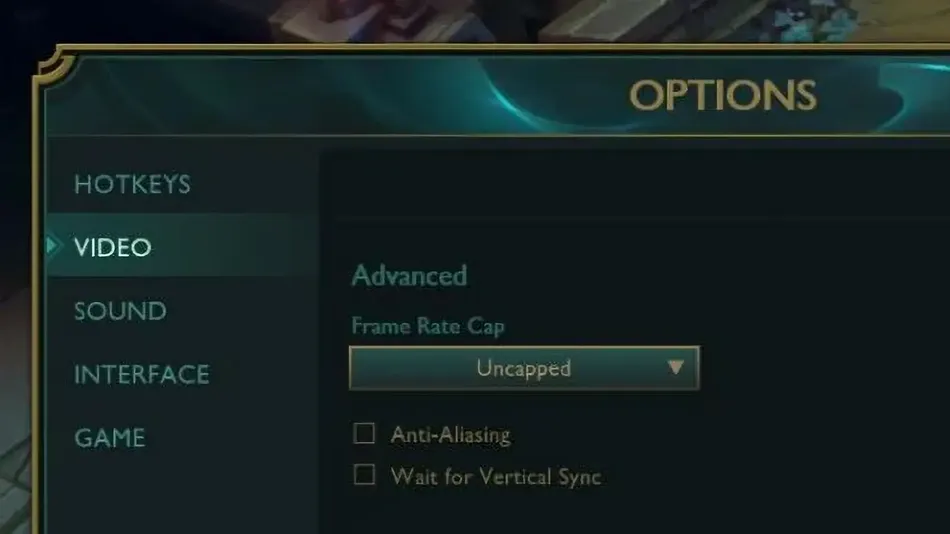
The current cause of this issue is unknown, but the checking and unchecking of these two boxes does a soft reset to your settings and allows you to play the game optimally.

The issue of FPS in League of Legends is a frustrating one, due to the difference in champion design the game has. Playing with lower FPS than you're used to, your muscle memory will be a little off when executing combos, as well as noticing what the enemy is trying to do, ahead of time.
Read More League News