Trending

Released in early February and after going through multiple patches already, Helldivers 2 continues to suffer from several yet-to-be-resolved issues. The developers at Arrowhead Game Studios have apologized profusely and are working tirelessly to eliminate the remaining issues.
However, these issues are like the heads of the Hydra, as soon as one gets cut off, two more take its place. Recently players have started to report new problems with this live service looter shooter. They keep getting stuck with the "Defrosting Helldiver" prompt continuously looping at the start of the game both on Steam and PlayStation 5.
Luckily there are a few workarounds for this problem that players can do on their own while Arrowhead works on a more permanent solution. So let's take a look at this issue and its possible solutions.

What is the "Defrosting Helldiver" continuous loop?
This issue is most like caused due to the lack of sufficient server capacity. Despite being a problem from the developer's end, there are a few things players can do to overcome and mitigate it.
Here are the things players can do to resolve the "Defrosting Helldiver" loop error:
- Check for Updates: Make sure that your game is up-to-date with all the latest patches and hotfixes from the developers.
- Check server status: When it comes to any online titles, checking server status can give you a lot of insight into the current condition of the game.
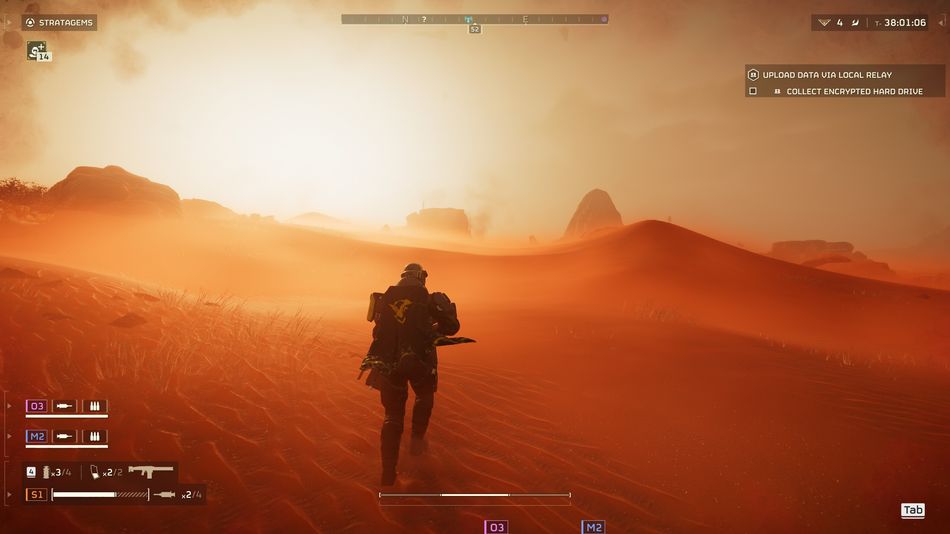
- Restart the Game: This is probably the most cliched and common solution for any video game, i.e. turning the game off and then again launching it. The reasoning behind this is that sometimes data doesn't load properly so restarting the game often solves this.
- Restart your device: Whether you are on a PC or a console, restarting it makes the game relaunch itself so if any of the game files didn't load properly at first, restarting the device will make the app reload the files properly.
- Turning off VPN: Quite a lot of players have reported that turning off their VPNs solved this issue.
- Verifying Internet Connection: Sometimes faulty internet causes issues like this. So you should always check your modem and router and contact your ISP for further assistance.
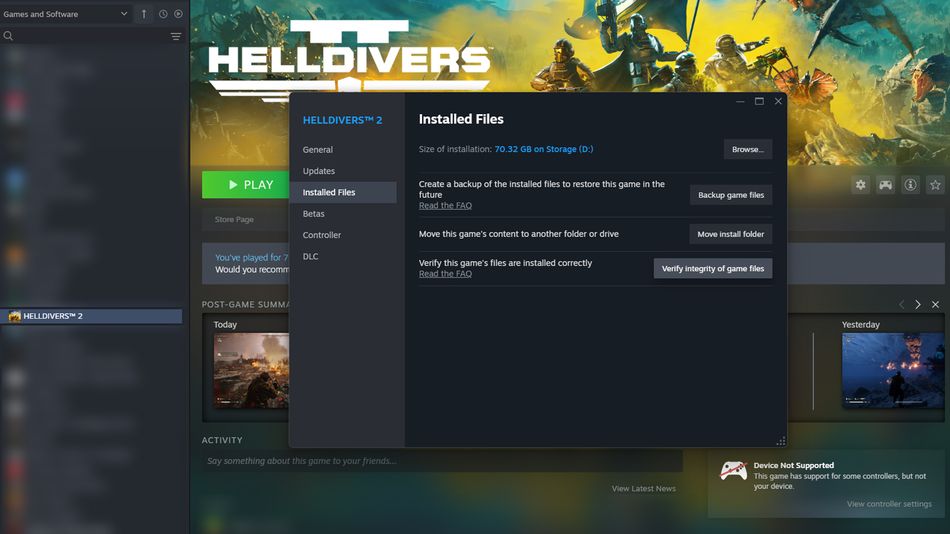
- Verify Game Files: When nothing else works, you should try to verify your game files to fish out any corrupted, or missing files and fix them.
We hope these solutions help you in resolving the "Defrosting Helldiver" issue. If unfortunately none of these solutions work for you, then all we can suggest is to wait patiently for a permanent solution from team Arrowhead.
Don't Miss: