Trending
Madfinger Games' first-person extraction shooter Gray Zone Warfare takes players to South Asia in order to emulate a real world conflict. The game's early access is available for purchase on Steam. Now, without further ado, let's return to our Gray Zone Warfare guide series, starting with a mission that is playable by all factions.
In this new mission titled Fuel Shortage, you are required to check the fuel levels of a tanker parked in the Sawmill POI of the map and then extract out of there alive. Although you can easily blast your way through this task, you will need to follow a few crucial steps to make it out alive after completing the mission objective.
How to Complete the Fuel Shortage Task in Gray Zone Warfare
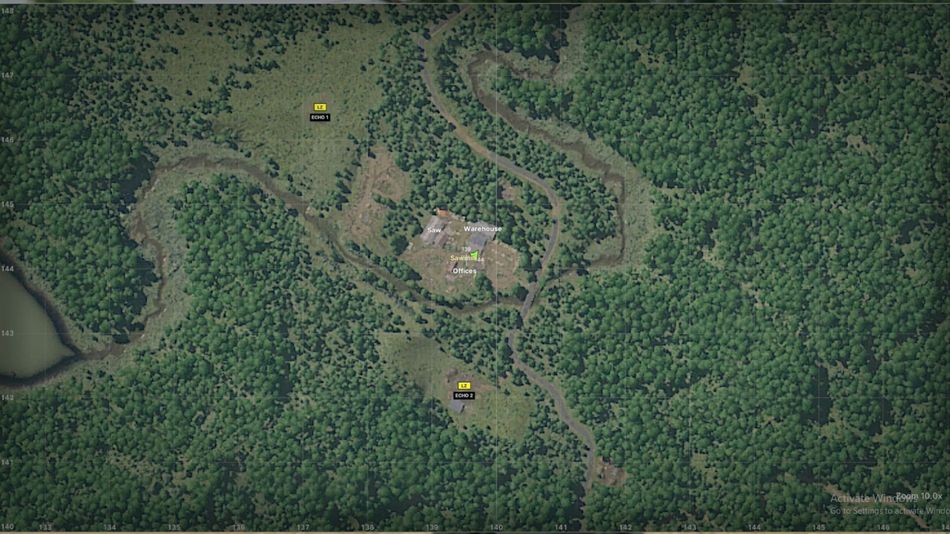
From your operations base, head to the Sawmill POI, then make your way by crossing the river to these exact coordinates at 139, 144 after landing at the Echo 2 LZ. Here's the exact location of the fuel tanker on the map:
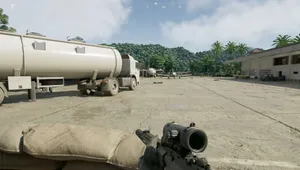
Here's a clear look at the fuel tanker:
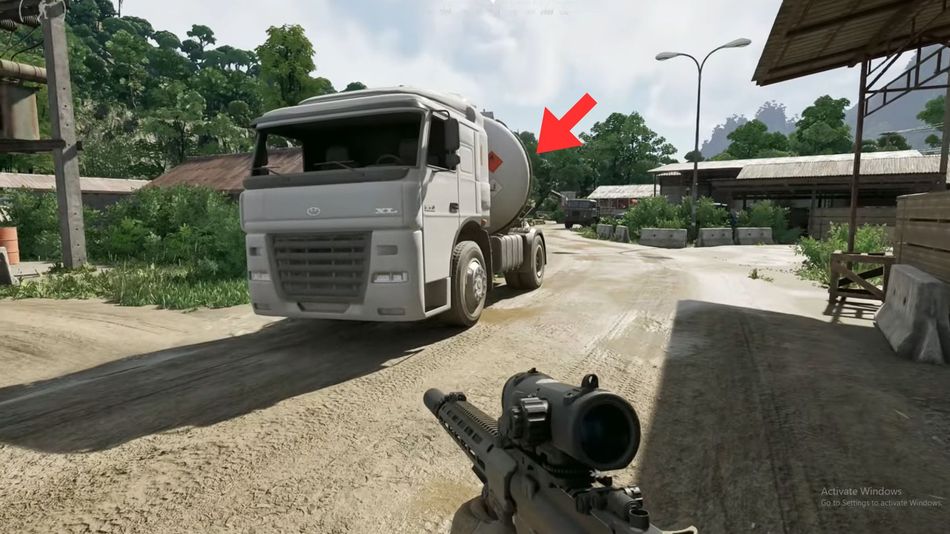
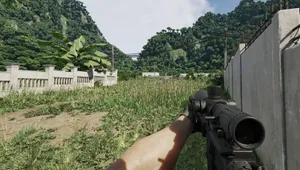
Once you arrive near the fuel tanker, you'll find a good number of enemies guarding the area. Slowly eliminate these enemies before approaching the objective. Head to the left side of fuel tanker once you clear the area of enemies. Now, press F to initiate the fuel level checking procedure and wait until its complete.
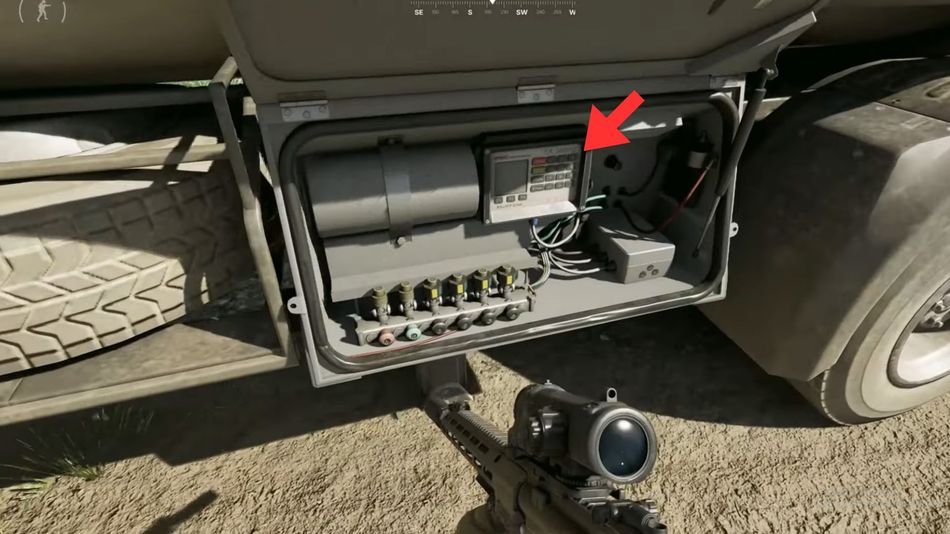
Once you finish checking the fuel level on the tanker, slowly make your way out of the Sawmill. Then head over to the Echo 2 LZ at the bottom of the map and your quest will be complete. However, make sure to not die on your way to the extraction point to successfully complete the task.

DON'T MISS: