Trending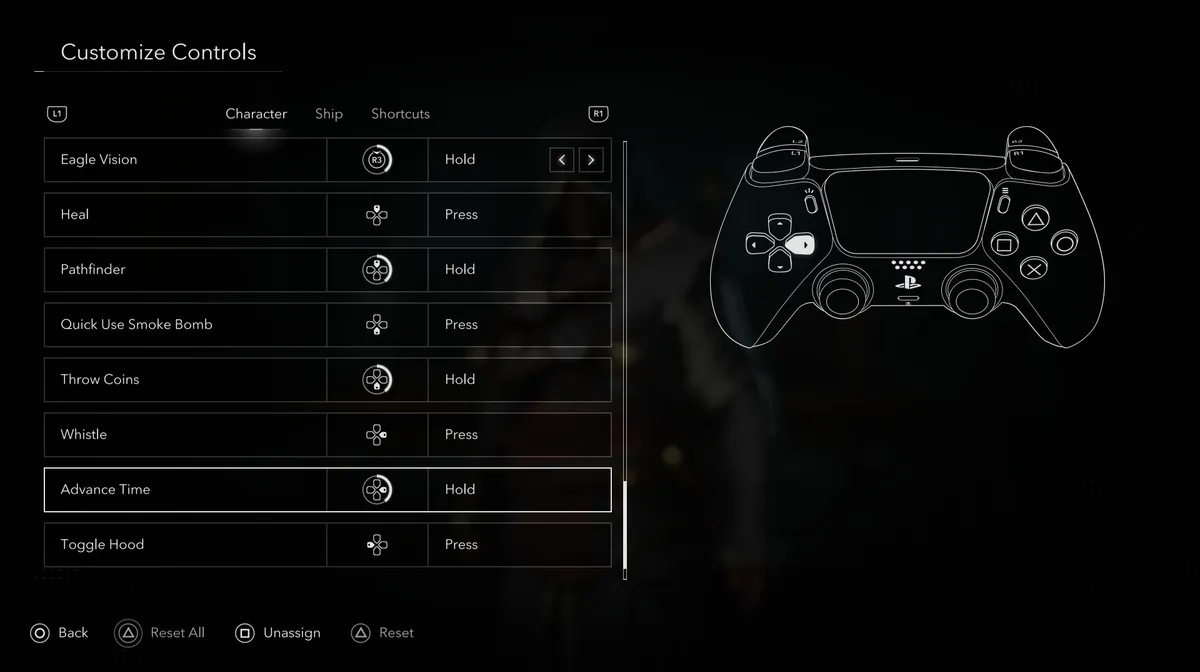
Assassin's Creed Black Flag Resynced includes a time-skipping mechanic that works similarly to the meditation system found in previous entries in the series. Holding the right arrow on the D-pad will advance time forward, jumping between morning and evening in a single press. It sounds minor, but it's more useful than it first appears, and there's a reasonable chance you could finish the entire game without ever knowing it was there.

Why bother advancing time?
There are two practical reasons to use this mechanic regularly. The first is visibility. Black Flag Resynced has genuinely impressive lighting, and when the sun goes down, the Caribbean gets dark in a way that makes exploration and combat noticeably harder. If you find yourself squinting at the screen trying to track an enemy or read the environment, advancing time to morning is a quick fix that costs you nothing.
The second reason is more personal, but worth mentioning: the Caribbean in this game looks best in daylight. The colours, the water, the landscapes — all of it benefits from natural light, and if you're the kind of player who likes to take in the scenery, having the option to skip past nightfall and return to a bright morning is genuinely handy.
How to use it
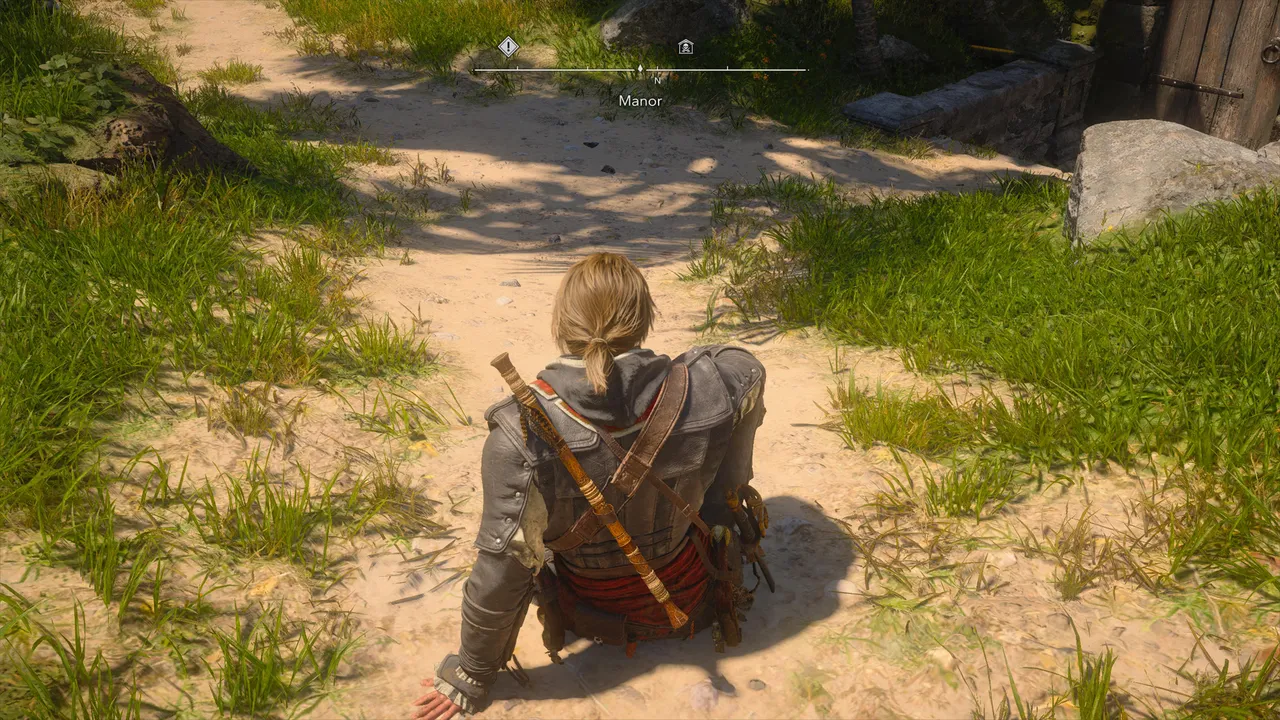
On PlayStation 5, hold the right arrow on the D-pad to advance time. The game will skip to either morning or evening depending on the current time of day. It's a single action with no menus involved, which makes it easy to use on the fly.
Restrictions to be aware of
The mechanic doesn't work in every situation, and the game will display an "Unable to Skip Time right now" message when the conditions aren't met. There are two main restrictions to know about:
Edward must be standing on solid natural ground. If he's perched in a tree, standing on a rooftop, or on any wooden surface such as a pier or dock, the option will be unavailable. You'll need to find a patch of actual ground to stand on before the game will let you advance time.
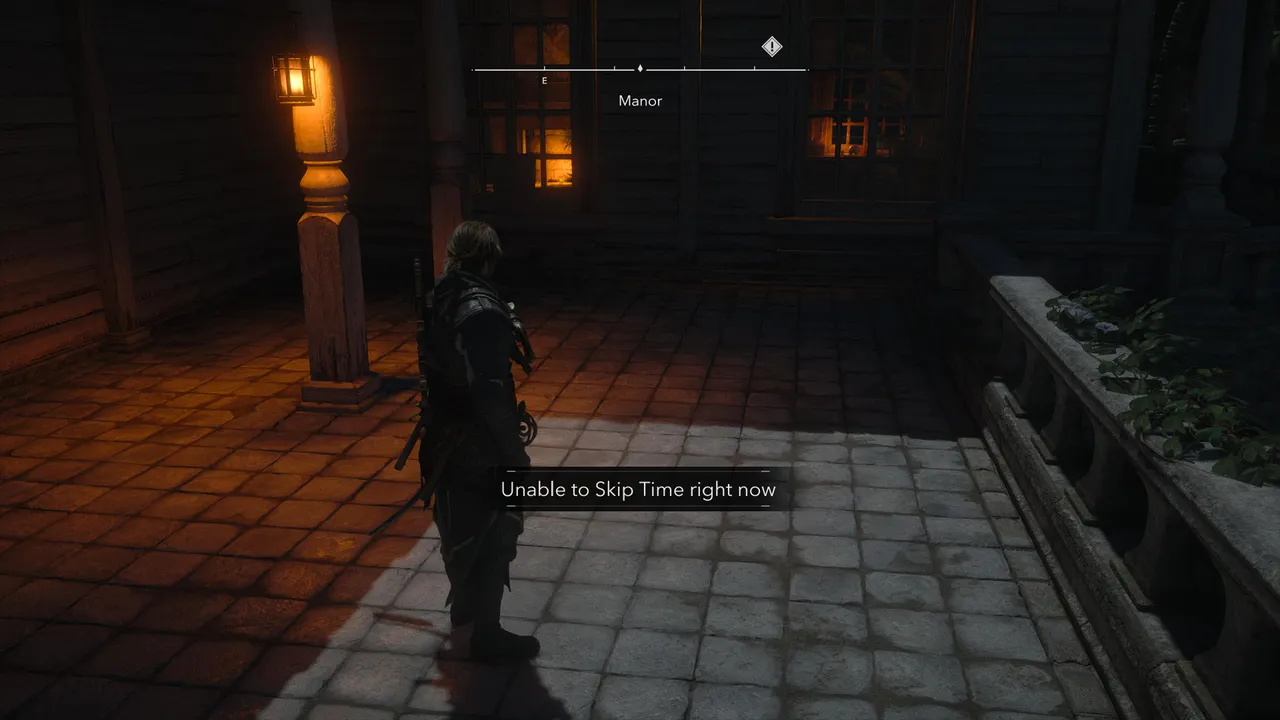
You also cannot advance time while inside a restricted area. If you're in the middle of infiltrating a fort or a guarded location, the mechanic is locked out until you leave or complete the objective.
Both of these restrictions are easy to work around once you know about them. If the prompt isn't working, step off whatever surface you're on, find solid ground, and try again.
Where to find the control in the settings
Suppose you want to verify or reassign the binding; head into the settings and open Customise Controls under the Character tab. Advance Time is listed near the bottom of the character controls, assigned to hold right on the D-pad by default.

Quick tip: If you ever need to time a mission or activity for a specific time of day, advancing time is far quicker than waiting in real time for the cycle to change on its own.
DON'T MISS!