Trending

DICE has managed to hit the mark with their new Battlefield 6. The open beta of the newest entrant to the Battlefield series has amassed a record number of players across all platforms.
With new maps and visual upgrades, combined with their classic Battlefield formula, players can't get enough of the game. With the start of open beta weekend 2, players can officially get a look at their open beta stats. Here's a guide on how you can check your Battlefield 6 open beta stats.

How to Check Your Battlefield 6 Open Beta Stats
EA has added the new feature of checking your open beta stats on their Battlefield 6 website. Here's a step-by-step guide on how to check your open beta stats:
- Head to the Battlefield 6 official website.
- Click on the Player Stats tab on the top of the website.
- Enter your EA ID to search for your open beta stats.
- Your open beta stats will be visible in front of you.
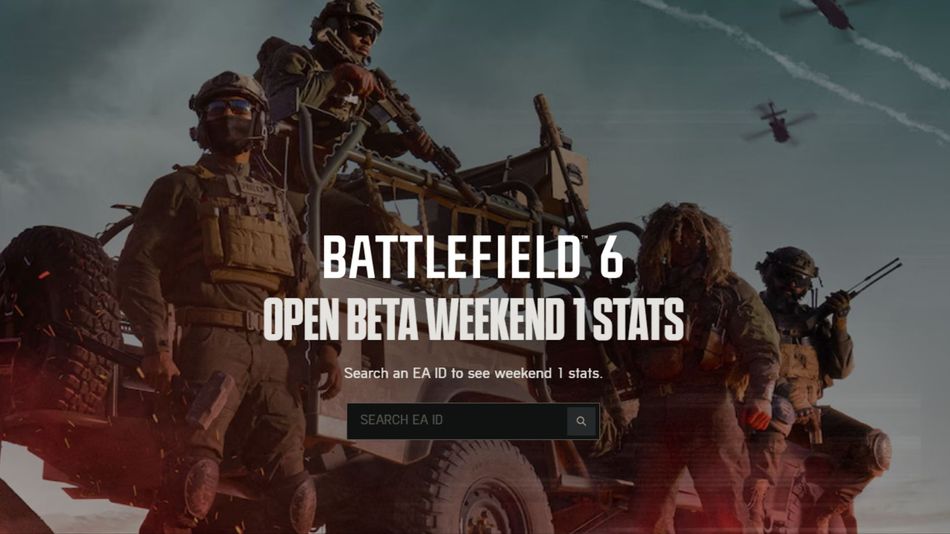
Once you enter your EA ID, you will get access to your open beta stats for Weekend 1. After weekend 2 ends, you will get a combined report of the stats from that page. Here's everything included in the open beta stats page:
- Kill/Death Ratio
- Total Matches Played
- Most Played Class
- Total Kills
- Total Assists
- Total Revives
- Shot Accuracy
- Total XP
- Most Played Mode
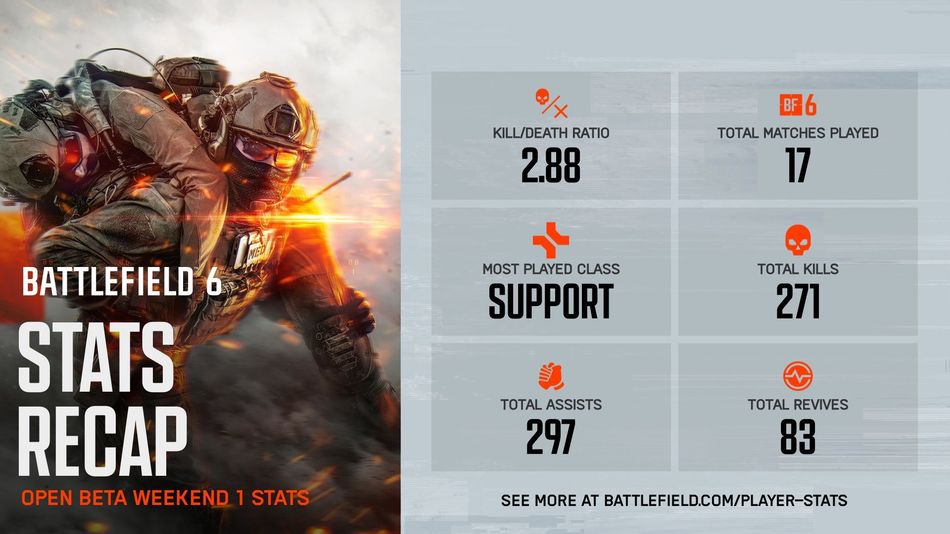
So, go ahead and check your open beta stats to see where you stand against your friends and other players. You can also get a look into your shot accuracy, total XP earned, and most played game mode.
The inclusion of an open beta stats page is a good sign for all players, as EA might include it with the game's full release, letting players track their gameplay stats with ease.

DON'T MISS: