Trending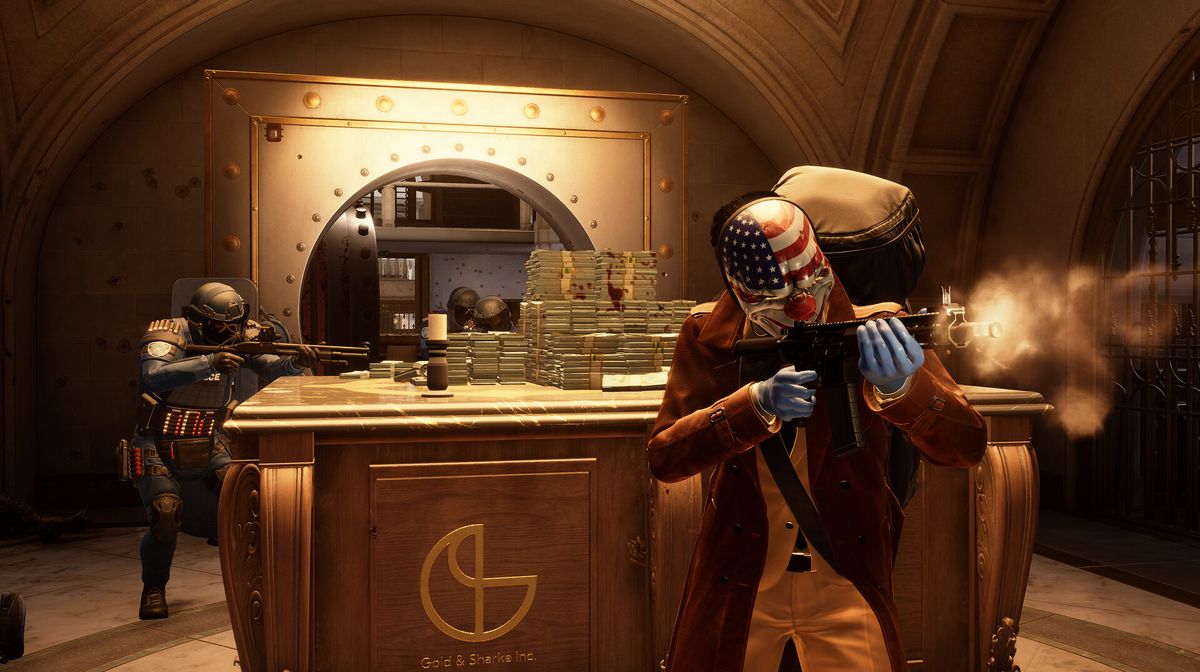
Payday 3, the highly anticipated sequel to the popular FPS game, finally allows players to step into the shoes of the bad guys after nearly a decade of waiting.
Available on all platforms, it invites players to continue their reign of chaos in the bustling streets of NYC, offering fresh heists, loadouts, and characters for an exciting gaming experience.
Payday 3 is still in its early stages of development, so occasional bugs and glitches are expected. If you're encountering crashes, explore these straightforward Payday 3 crash fixes to get back into the action.

Toggling DirectX12
You can enable or disable DX 12, potentially resolving many issues. Adjust this setting through the game's launcher on platforms like Steam or Epic Games.
- For Steam:
- Go to your Games Library and select Payday 3.
- Access Properties and find Launch Options.
- Add "-dx12" to enable DirectX12 or remove it if already present.
- For Epic Games:
- Right-click the game in your library and choose Manage.
- Activate Launch Options and add "-dx12" to enable or remove it to disable DX12.
Updating Graphics Drivers
Outdated graphics drivers can cause crashes. Ensure your drivers are up-to-date through automatic updates (e.g., Nvidia GeForce Experience or AMD Adrenaline Software) or manually:
- Open the Windows Menu and search for Device Manager.
- Go to the 'Display Adapters' tab.
- Expand the tab, right-click on your Graphics Card, and select Update Driver.
Disabling Overlay Apps
Although rare, third-party overlay apps can interfere with the game. It's advisable to refrain from using them. To disable Steam in-game overlay:
- In your Games Library, select Payday 3, and access Properties.
- Under General, find the option for "Enable Steam Overlay" and disable it.
Windows Update
Occasionally, Windows updates can disrupt game files. To rule this out:
- Search for Windows Update in your Windows Start menu.
- Check for pending updates and install them if available.
Reinstalling the Game
If all else fails, consider reinstalling the game. Keep in mind that if there are any issues stemming from the game engine itself, developers will likely address and rectify them in due course. Until then, enjoy your gaming experience!

By following these steps, you should be able to resolve most Payday 3 crashing issues and get back to enjoying the game.
DON'T MISS:
- Payday 3's catastrophic launch made Starbreeze's CEO publicly apologise
- Payday 3: How to fix the Nebula Data Error - Failed to fetch game config data?
- Payday 3: One lucky heister in London will be awarded with a month's salary
- Payday 3 is in full production and targeting 2023 release date
- Payday 2's new paid DLCs: Black Cat Heist and Mega City Tailor Pack