Trending

Encountering Riot Games' and League of Legends' Vanguard error codes while trying to launch League of Legends can be frustrating, but fear not! Most of these errors have straightforward solutions. Below, we'll outline the meaning of each error code and provide steps to resolve them.
Solutions include restarting League of Legends and the Riot Client, reinstalling Riot Vanguard, installing on a regular instance of Windows, submitting a ticket for HWID Ban (error code VAN 152), and upgrading to a supported version of Windows.
Encountering technical issues, especially when eager to dive into a gaming session, can be frustrating. However, having clear and actionable steps to troubleshoot Vanguard error codes can make the process smoother. Remember, perseverance pays off, and soon you'll be back on the Rift, ready for action!

Error Code: VAN -1
Meaning: Uninstall Failure
Solution: Reinstall Riot Vanguard. If the issue persists, consider submitting a ticket for further assistance.
Error Code: VAN 0, VAN 1, VAN 6, VAN 68, VAN 84
Meaning: Connection Error
Solution: Restart League of Legends and the Riot Client.
Error Code: VAN -81, VAN -102, VAN -104, VAN 128, VAN 1067
Meaning: Connection Error
Solution: Restart your PC and the Riot Client. If the problem persists, uninstall Riot Vanguard and League of Legends, then perform a fresh reinstall.
Error Code: VAN 138
Meaning: Connection Error (Running LoL/Riot Vanguard from virtual machine)
Solution: Install League of Legends and Riot Vanguard on a regular instance of Windows instead of a virtual one.
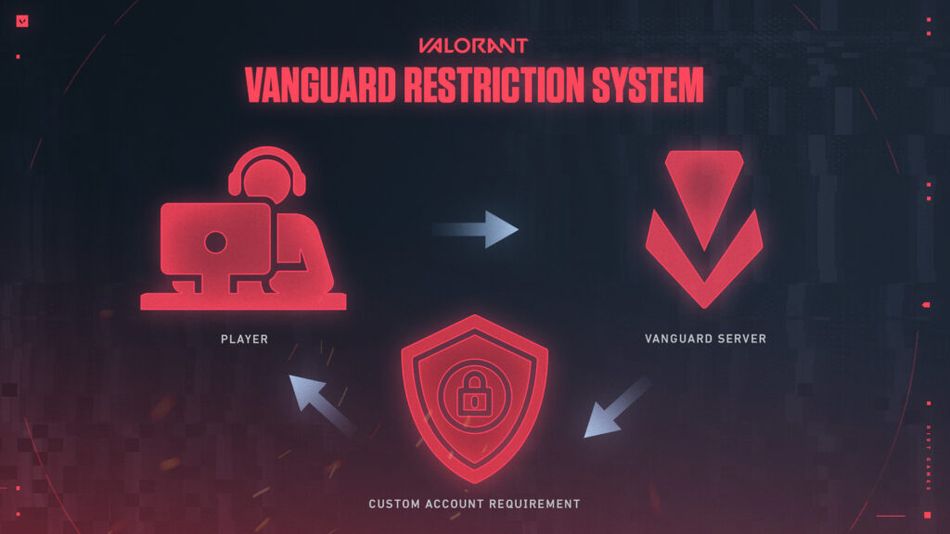
Error Code: VAN 152
Meaning: HWID Ban
Solution: Submit a ticket for further assistance.
Error Code: VAN9001, VAN9002, VAN9005
Meaning: Various system configuration errors
Solution: Follow the provided articles to troubleshoot and resolve the specific issue.
Error Code: VAN9006
Meaning: Unsupported Windows version
Solution: Upgrade to a supported version of Windows.
If you've tried all troubleshooting steps and are still experiencing issues, don't hesitate to seek further support from the League of Legends team.
DON'T MISS:
- Corki the Yordle is getting a rework on League of Legends Patch 14.10
- League of Legends brings back Arena, champion changes and more on Patch 14.9
- League of Legends MSI 2024: How to get Watch Drops and Rewards?
- League of Legends: Mid-Season Invitational (MSI) 2024 - Start date, event pass, new game modes and more
- League of Legends: Arena 2v2v2v2 game mode will return during the MSI event