Trending

Epic Games and Apple have been in a long-running legal battle over Fortnite, which caused the game to disappear from Apple's shopfront. On the other hand, Fortnite remained available for players using Android devices.
After a long, strenuous battle between Apple and Epic Games in the European Union, Epic emerged victorious, with Fortnite making its way back to all iOS devices. So, if you want to play Fortnite on your iPhone or iPad in the European Union and US, here's a quick guide on how you can do it.

Fortnite: How to Download the game on iOS in the EU and US
Fortnite players can download the game through the Epic Games launcher on all platforms, including PC and mobile. Here's how you can download Epic Games launcher and Fortnite on iOS:
- On your iPhone, you’ll find Fortnite on the Epic Games Store marketplace, not the App Store. You must meet these requirements to install the Epic Games Store on your iPhone:
- You must pass Apple’s region check.
- Your device must be on iOS 17.6 or higher.
- You must be using the Safari browser.
- On your iPhone, download the Epic Games Store using the big blue “Get it on iPhone” button on fortnite.com/download.
- If you meet all the requirements, press “Continue”
- You’ll see a pop-up saying your device isn’t set up to allow marketplaces by “Epic Games”Now simply head over to Settings and do the following:
- Now in Settings, tap the banner that says “Allow Marketplace From Epic Games.”
- Choose “Allow.”
- Reopen the browser and return to the window you were on. Press “Install," then on the next screen, tap “Install App Marketplace.” Tap “Continue” on the confirmation pop-up.
- Now that you have the Epic Games Store on your device, select the Fortnite app and tap “Install."
Epic Games
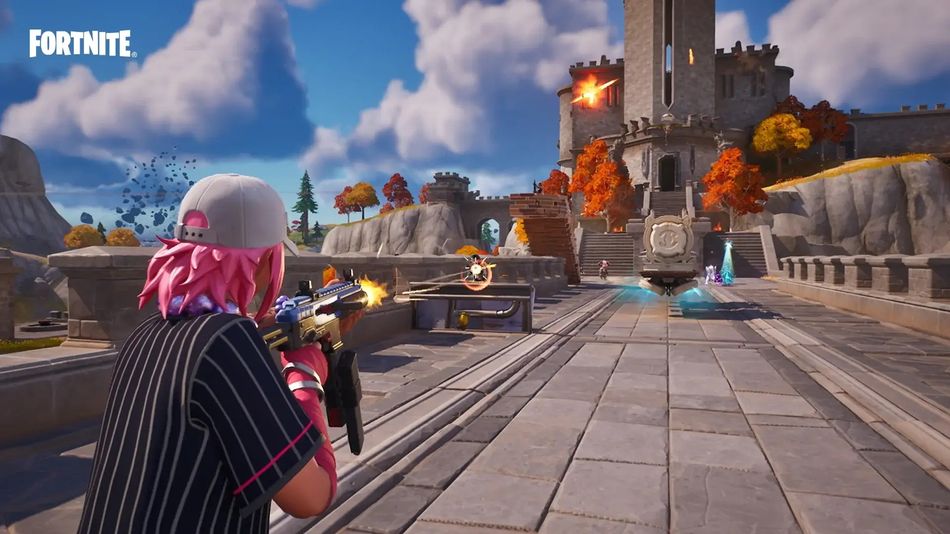
Fortnite is now available on iOS in the EU and US.
DON'T MISS: