Trending

Helldivers 2 is an extraction shooter from Sony Entertainment developed by Arrowhead Game Studios. The game is available on PC and PlayStation. Being a live-service game filled with immense content, Helldivers 2 has become a growing multiplayer sensation.
While Helldivers 2 has minimal multiplayer issues since the servers were fixed, there is one thing that prevents you from comfortably playing with friends, namely the problems with the Social Tab, which means you can't invite or join your friends in the game. Unfortunately, if you're facing the Social Tab not working error, then we've got solutions to help you with this annoying issue.
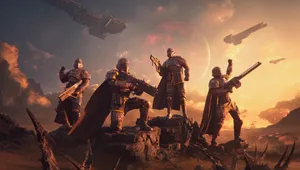
How to Fix Social Tab Not Working Error
For some reason, a lot of players on PC and consoles seem to have problems with the Social Tab not functioning. Fortunately, compared to some other issues, it can be solved quickly and easily if you follow these methods.
Check if Helldivers 2 is Up-to-Date
Helldivers 2 keeps getting better as the developers frequently put out new patches and updates to fix bugs or add in-game content. In general, they are downloaded by default, and you are not required to do anything else before starting the game. However, sometimes you may not be alerted that new updates are available because they are optional, and if you have not downloaded these patches or updates, you may encounter errors with the Social Tab.
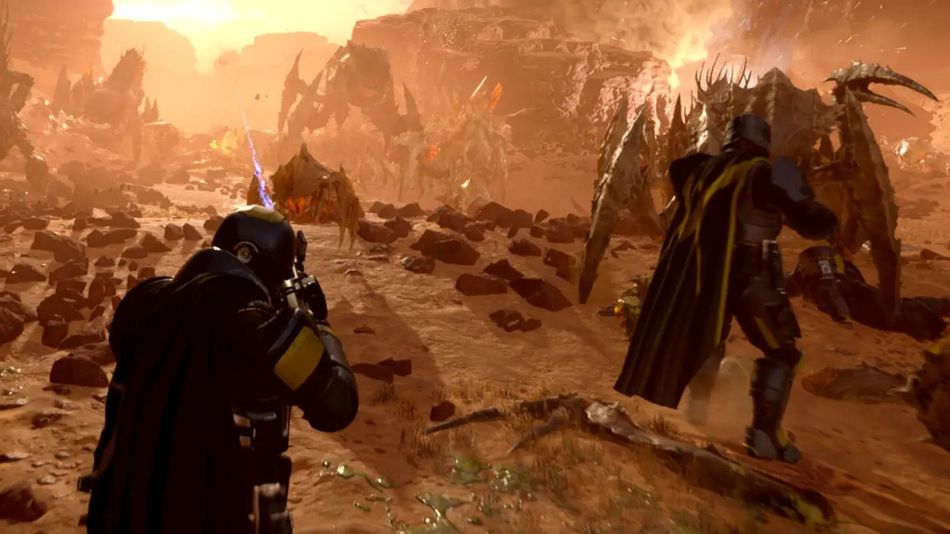
To figure out if this is happening, simply open the Steam App on a PC or check for updates on PlayStation, and if they are available, download them as soon as you can. After that, launch Helldivers 2 and see if the error has been resolved.
Add Friends using the Unique Code
If your game has been updated but the Social Tab still does not work, you will need to obtain the Friend Code of the user you wish to play with. Navigate to the Social tab and paste it into the text box. By typing the code, your friend's username should appear in the Friends list.
If you are not able to add friends through the Unique Code, you might have your crossplay disabled. Head to your in-game settings and turn your cosplay on. Restart Helldivers 2, and your Social Tab will be up and running in no time. However, in the worst-case scenario, if none of the fixes work for you, have patience until Arrowhead releases a new update for the game.
DON'T MISS:
- All Planetary Hazards and Environmental Conditions in Helldivers 2 Explained
- Helldivers 2: How to Fix the Reinforcements Not Working Problem
- Helldivers 2 leaks reveal new weapons, armour, stratagems and more
- Helldivers 2 just announced details for the new Warbond: Cutting Edge
- Latest Helldivers 2 patch brings massive nerfs to Breaker, Railgun and other popular weapons