Trending
Moving to Vice City in Grand Theft Auto 6 comes with a new apartment, and the previous tenant left more behind than a few photos on the wall. Rockstar Games has hidden a small mystery in the place: a locked laptop, a password you have to piece together from clues around the apartment, and a secret garage on the other side of the neighbourhood. It takes a bit of detective work, but the reward is well worth it. Here's how to solve it, step by step.
1. Settle Into Your Vice City Apartment
The mystery becomes available at the start of the third chapter, when Jason and Lucia are given an apartment in Vice City. It's apartment 201 at Bayside Apartments, and it used to belong to someone else, which is where the story begins. Once you've settled in, take some time to look around.
2. Find the Locked Laptop
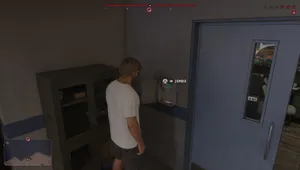
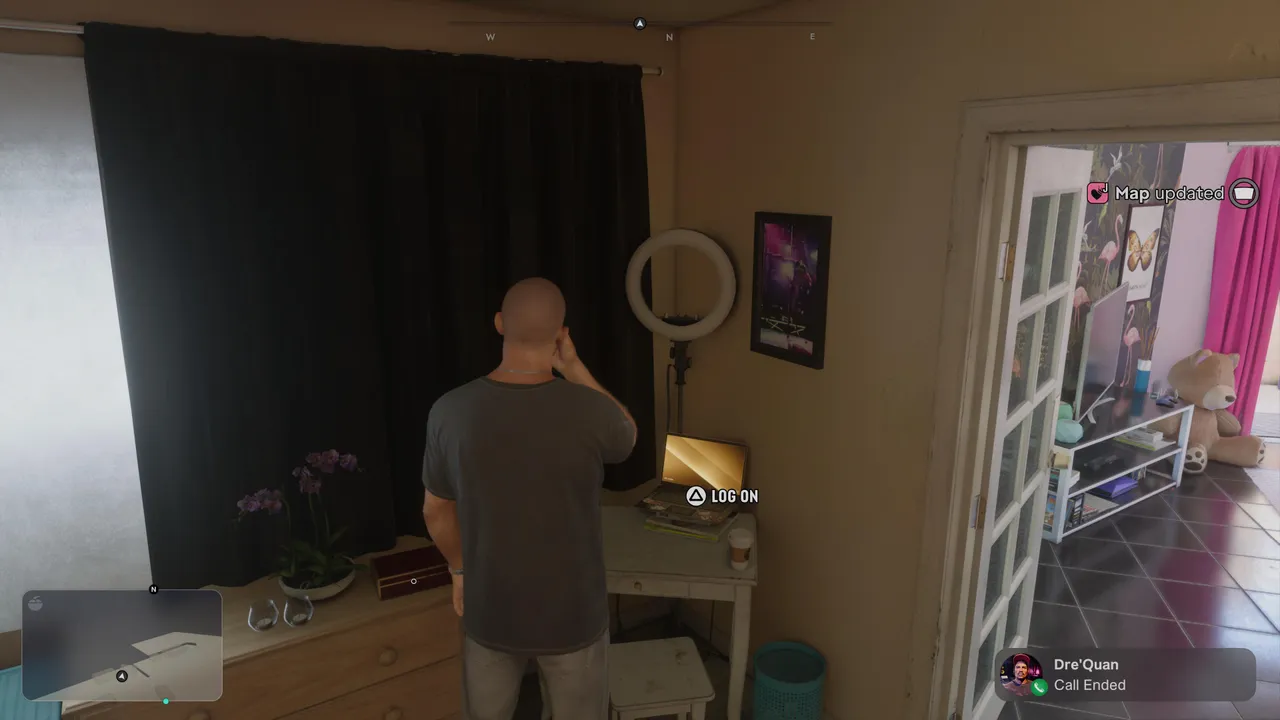
In the bedroom, you'll find a laptop sitting on a small table in the corner, next to a ring light. Walk up to it and press Triangle to log on. The laptop asks for a password, and you won't have the answer yet. That's fine, because the clues are scattered around the apartment.
3. Search the Apartment for Clues
The password options only appear once you've found the clues, so you need to investigate first. Start with the round table in the hallway, next to the flamingo wallpaper. There's a memorial to the previous tenant's dog, Muffins, and that's the first part of the password.
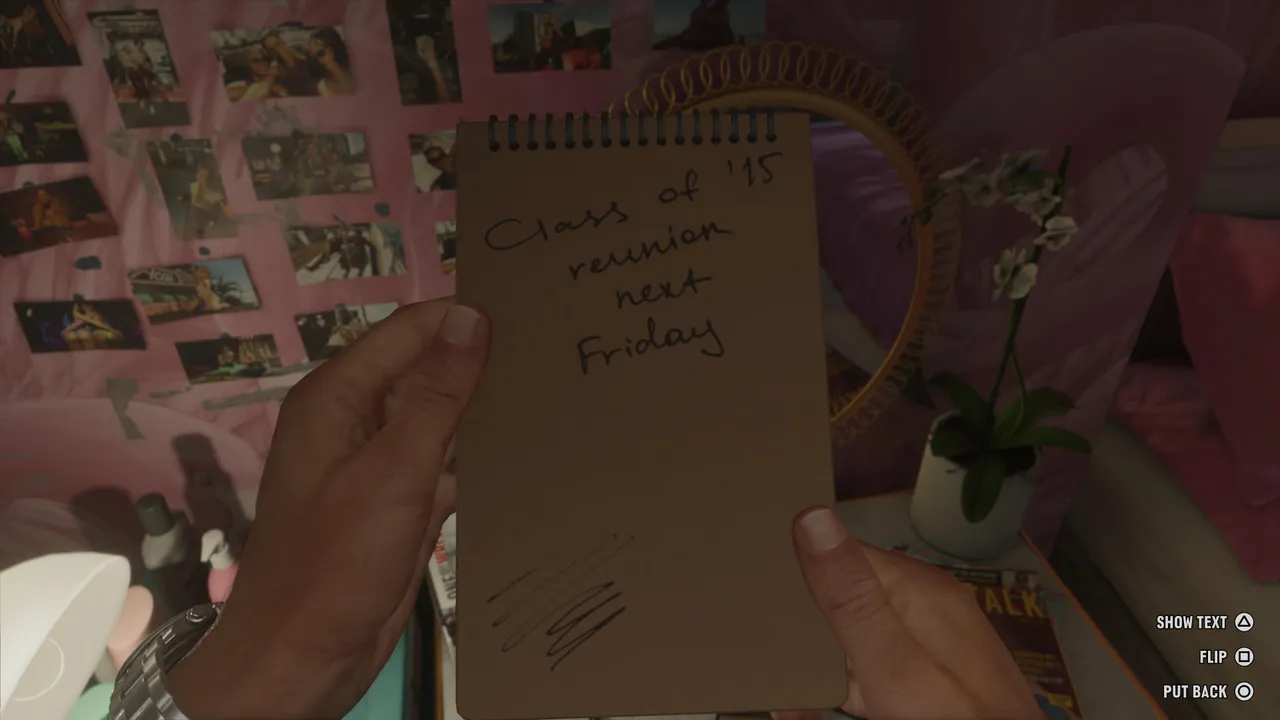
Next, head back to the room with the laptop and look on the opposite side, where you'll find a notebook with a drawing of Muffins on the front. Look closely, and you'll see the dog is wearing a crown. That's the second part of the password, but the answer isn't Crown. It's Queen. Now press Square to flip the notebook. On the back, there's a note about a class of '15 reunion next Friday, and that number is the last part of the password.
4. Enter the Password
Return to the laptop and log on again. This time, new options appear. Select them in this order: Muffins, then Queen, then 15. The laptop unlocks, and you gain access to everything on it. If you pick a wrong option, don't worry. You can try again, and the wrong answer is removed from the list, so you can never get stuck.
5. Go Through Everything on the Laptop
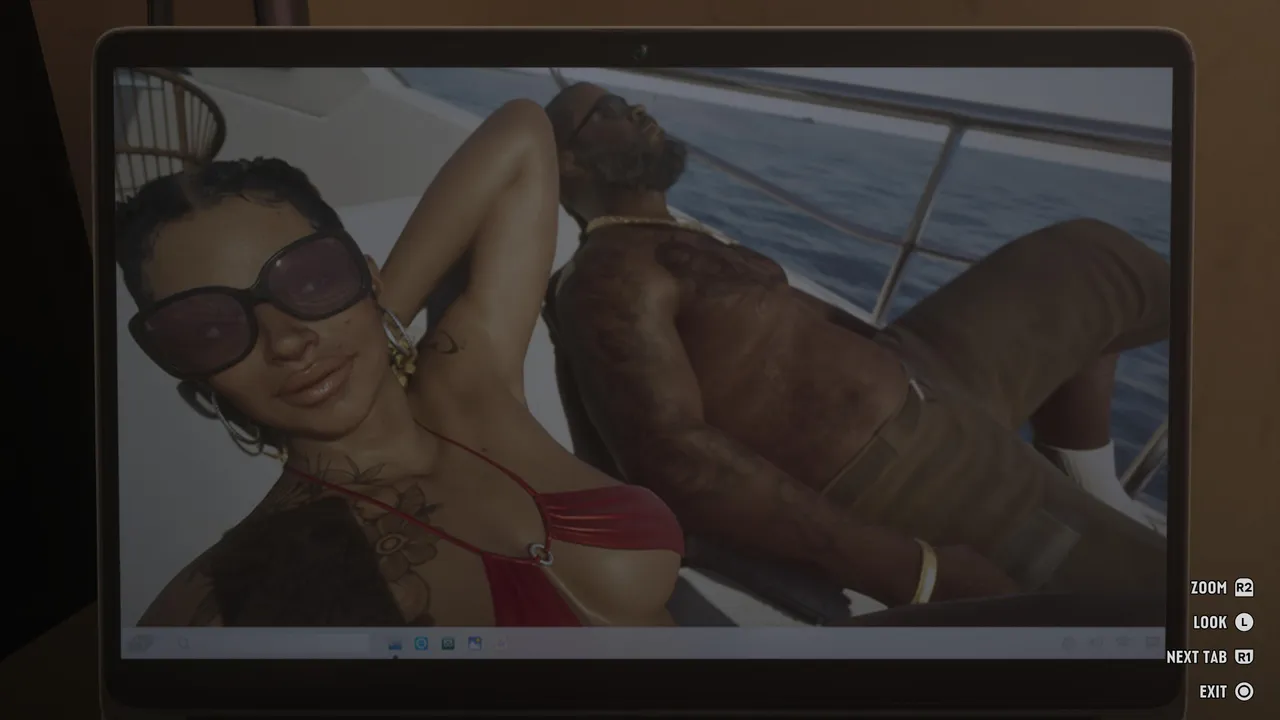
The laptop belonged to the previous tenant, and it's packed with her private life. Don't rush through it. Look at every picture, open every email and read every chat and conversation. Somewhere in there are the clues that point you to her secret garage, and the more you read, the clearer the trail becomes.
6. Get the Garage Code
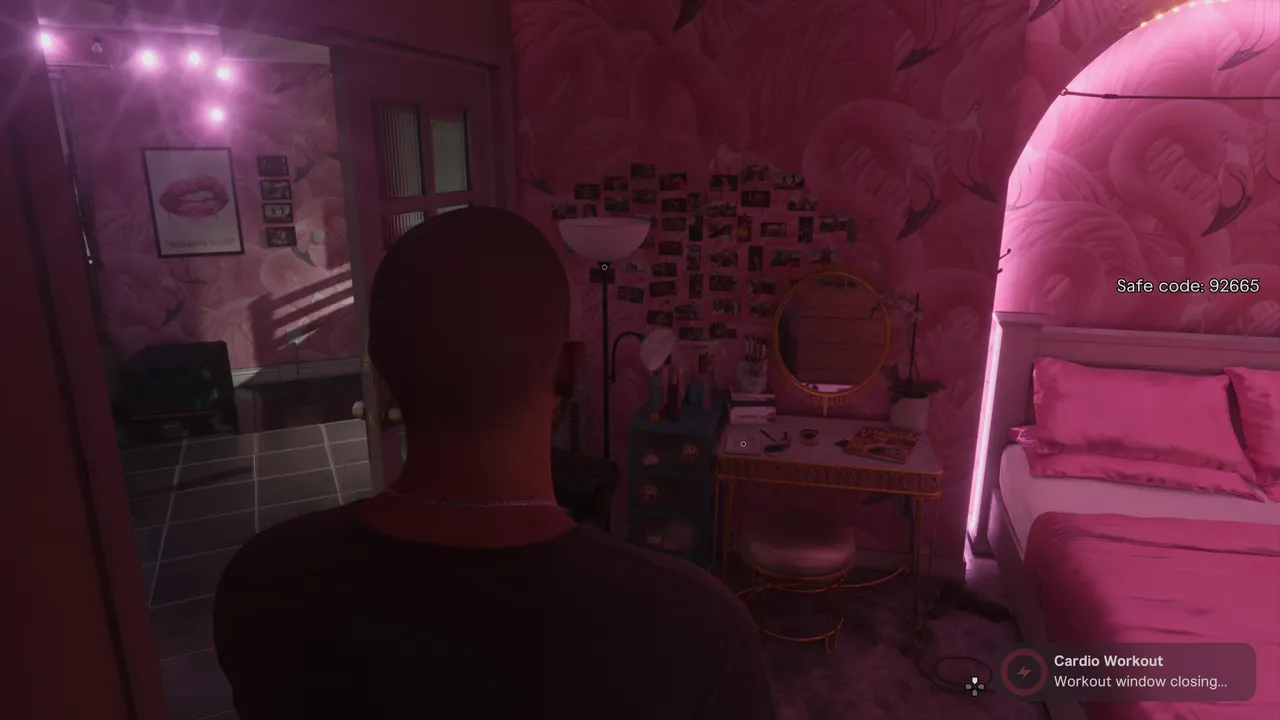
Once you've followed the trail, the game gives you a code for the garage: 92665. It appears on screen, so you don't need to write it down, but it doesn't hurt to remember it.
7. Head to Del Rio Boulevard in La Perle
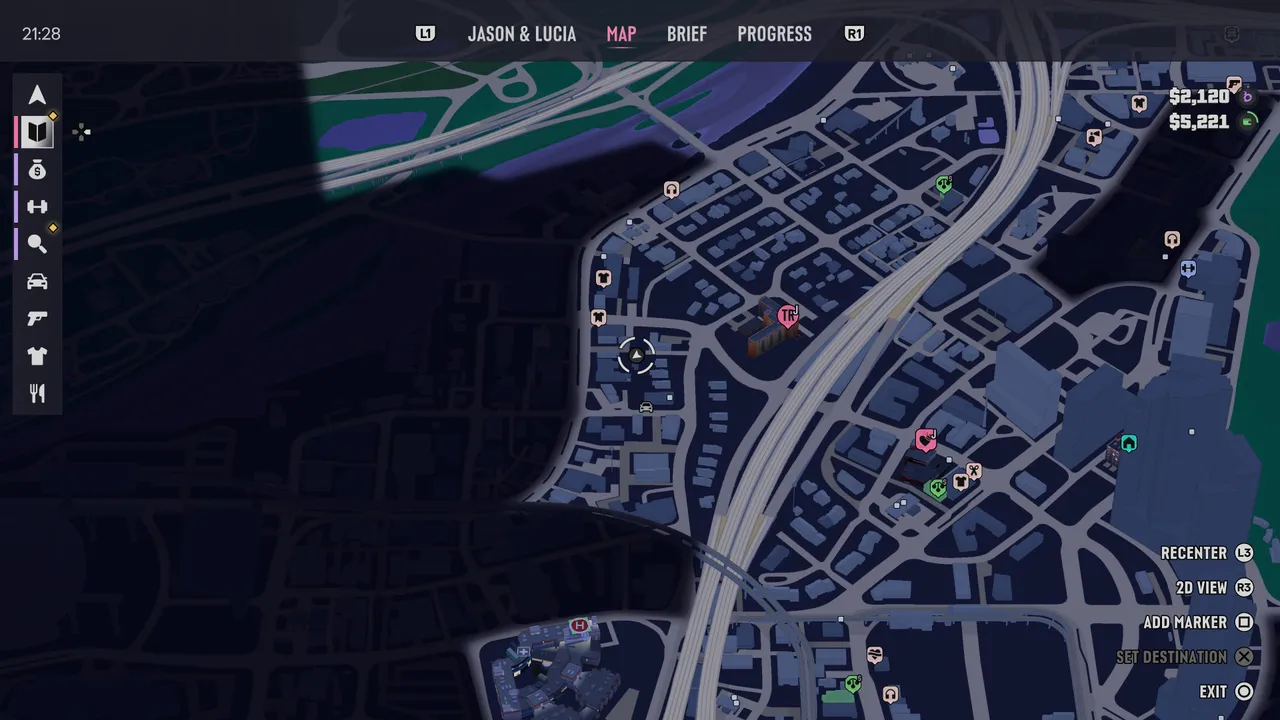
The garage is on Del Rio Boulevard, in the La Perle area of Vice City, very close to the apartment. Look for Anzola's Soul Food restaurant. Right behind it, you'll find a single garage with a keypad next to its door.
8. Enter the Code
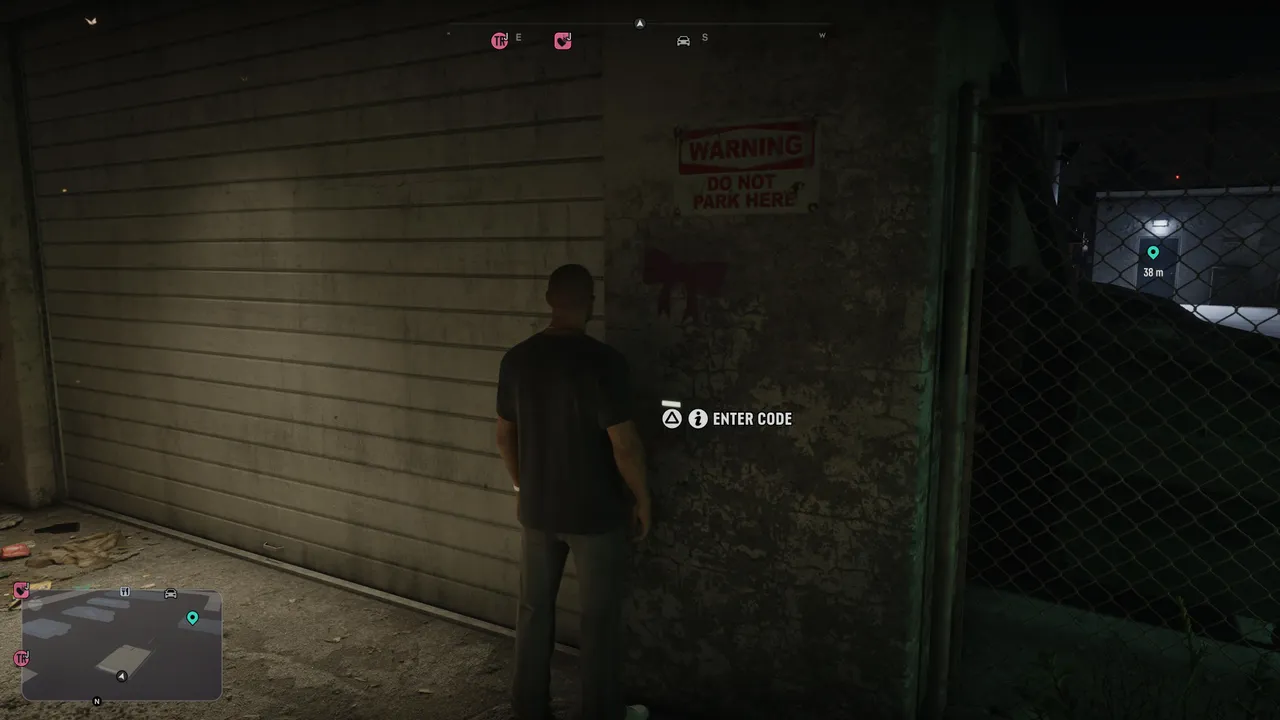
Walk up to the keypad and press Triangle to enter the code. The code is shown at the bottom of the screen, so just punch in 92665, and the garage unlocks.
9. Claim the Pfister Growler
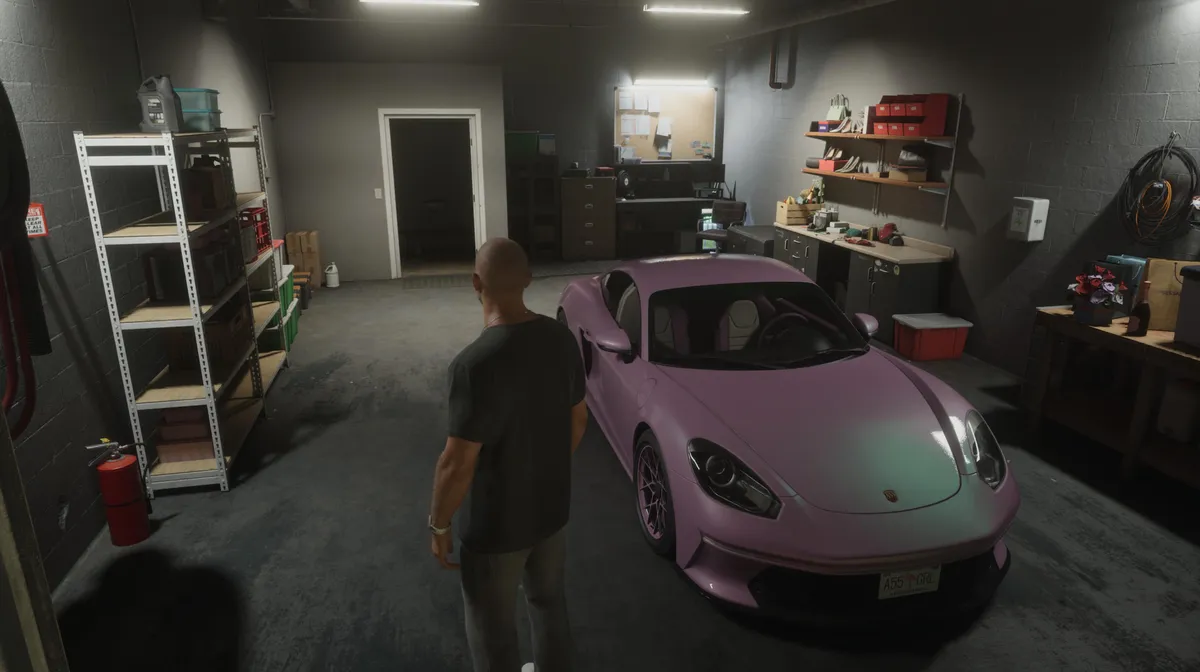
Inside the garage, you'll find a beautiful pink Pfister Growler, and it's yours to keep, along with the garage it sits in. The car is registered to whichever character claims it, so think about who should drive it before you open the garage. It suits Lucia better than Jason, so if you want it in her collection, switch to Lucia before you get in.
The car isn't the only reward. The garage itself becomes your property, listed as Del Rio Boulevard Garage, where you can park your vehicles. It doesn't show up straight away, so don't worry if you can't find it at first. Sleep once, and it appears among your properties. You can also manage your loadout inside, which makes it a handy stop in La Perle whenever you need to swap weapons.
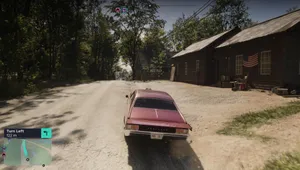
Quick Tip: Do the whole mystery as Lucia from the start. That way, the car ends up registered to her, and you won't have to settle for Jason driving around in a pink sports car.
DON'T MISS!