Trending
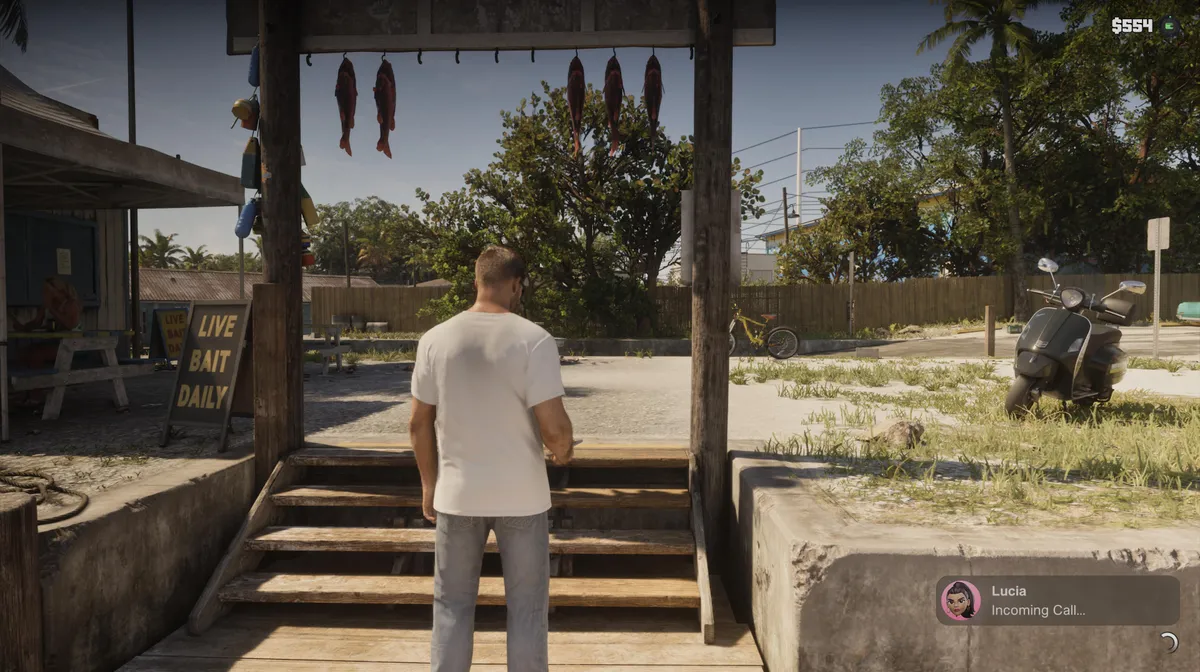
Grand Theft Auto 6 brings back manual saving, and it’s more flexible than in previous entries. You no longer have to go back to a safehouse and sleep to keep your progress, because the game lets you save almost anywhere. There are some limits, though, and the game also autosaves in the background. Here’s how it all works.

1. Make Sure You’re Off-Mission and On Foot
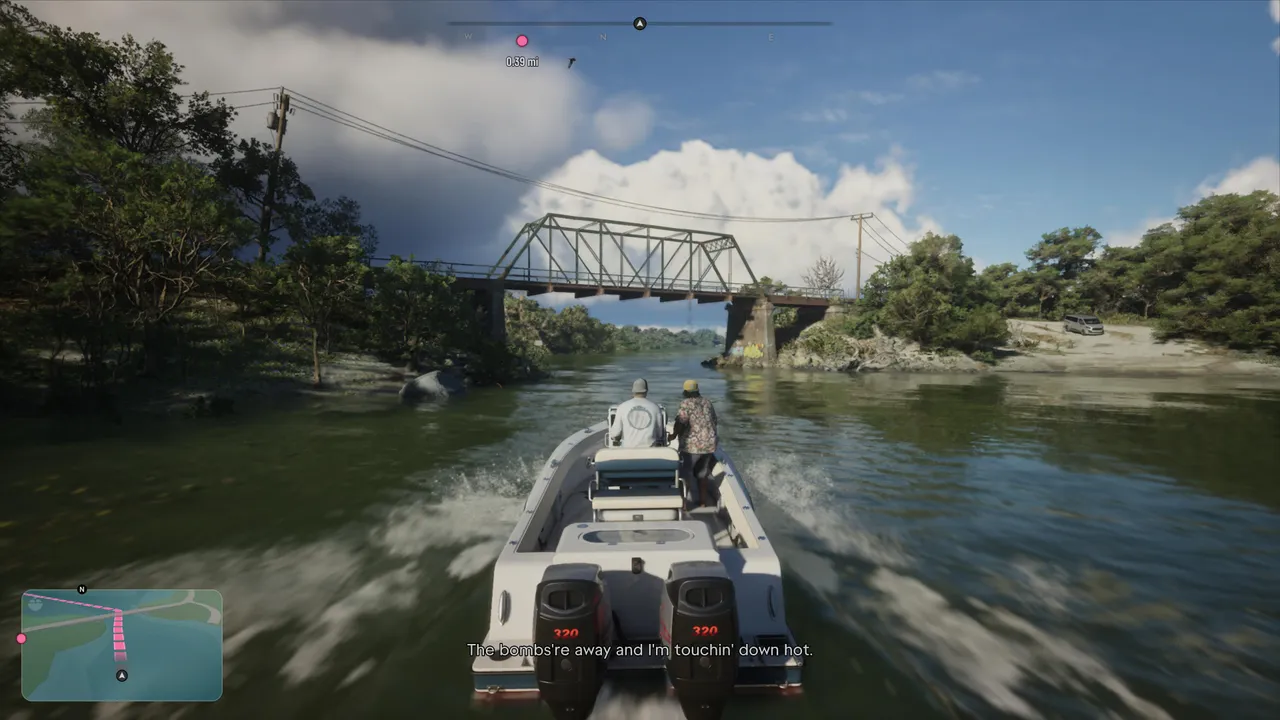
You can only save manually during free roam. Once a mission starts, the Save option in the menu is greyed out, so you have to finish or quit the mission first. Saving also doesn’t work while you’re in a vehicle, so if you’re driving or on a boat, get out and stand on solid ground before you try.
2. Open the Pause Menu
Press the Options button on PlayStation 5 or the Menu button on Xbox Series X|S to open the pause menu.
3. Go to Game and Select Save
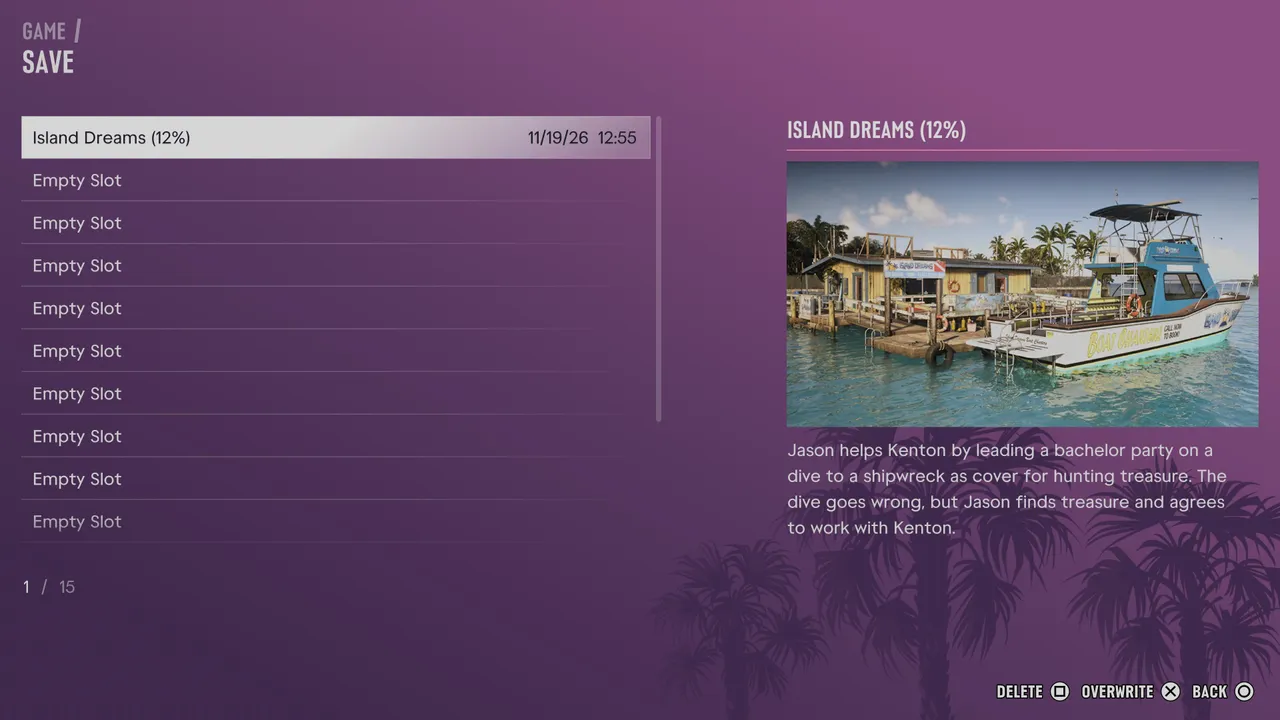
Go to the Game tab and choose Save. This opens the save screen, which lists all your save slots.
4. Pick a Slot
GTA 6 gives you 15 manual save slots. Pick an empty slot, or highlight an existing save and press X (A on Xbox) to overwrite it. Square (X on Xbox) deletes a save. Each save is named after the last mission you completed and shows your completion percentage, along with the date, time, and a short summary of the story so far.
5. Let Autosave Handle the Rest
The game autosaves when you complete a mission and when you sleep in your bed. Sleeping is still an option, but unlike older GTA games, you don’t need to do it just to keep your progress.
Quick Tip: You have 15 slots, so use them. Make a fresh save before every big story mission instead of overwriting the same slot every time. If a choice or a mission goes badly, you’ll have an earlier point to go back to.
DON'T MISS!