Trending
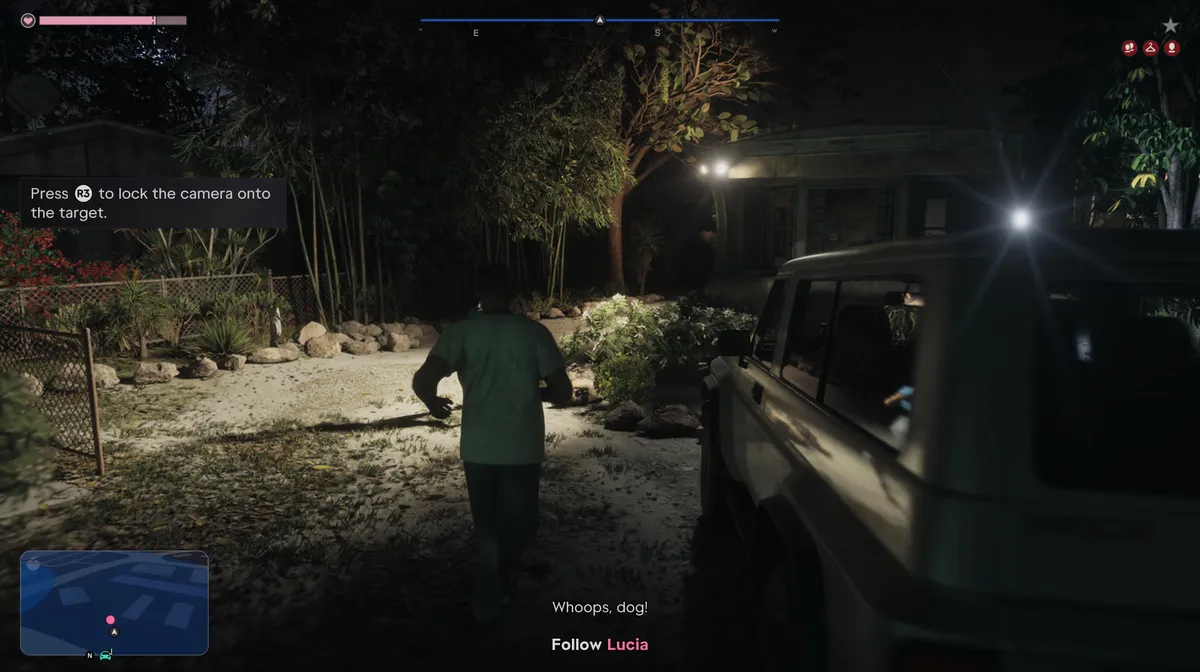
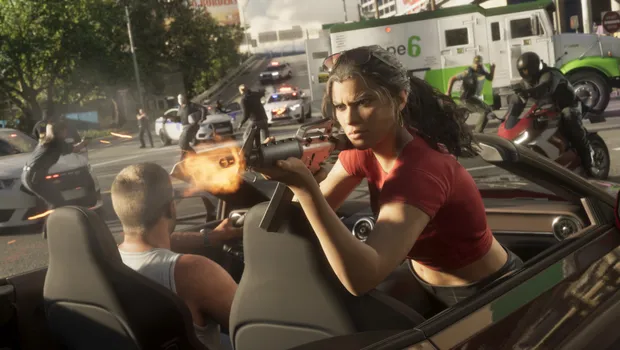
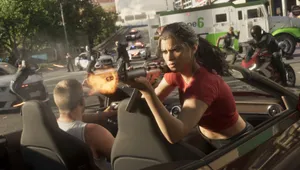
The wanted system in Grand Thef Auto 6 is a big change from what Rockstar has done before. Outrunning the cops is no longer enough. The police now remember your vehicle, your style, such as your hair, hat and sunglasses, the clothes you’re wearing and even who you’re with. Lose the chase but keep the same look, and you’ll still be recognised. It works the same way on PlayStation 5 and Xbox Series X|S, and here’s how to deal with it.
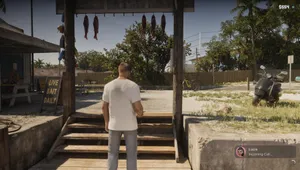
1. Head for Quieter Roads
When the police start chasing you, get away from busy streets. Roads with fewer vehicles mean fewer obstacles, fewer crashes and fewer chances for a cruiser to box you in. Side streets and underpasses also help you break the line of sight.
2. Watch the Bar and the Police Lights
During the chase, the bar at the top of the screen and the minimap both turn blue. Keep an eye on the police lights flashing on the edges of the screen. They show which direction the cops are coming from, so steer away from them instead of driving straight into a roadblock.
3. Keep the Gap in the Middle
Once you lose the police, the bar at the top of the screen and the minimap turn red. Soon after, a gap starts to appear in the bar. Move so that the gap stays in the middle, and it will keep expanding. When it expands fully, the bar disappears, and you’re safe for the moment.
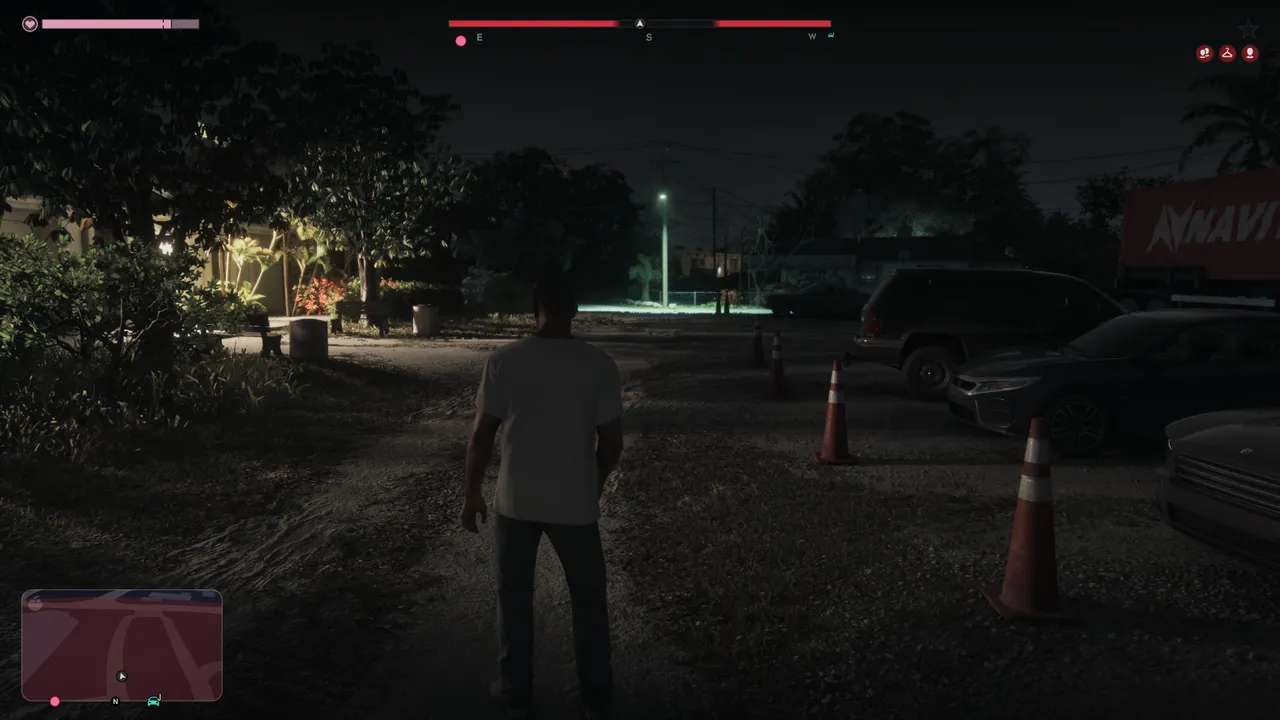
4. Check the Icons Under Your Wanted Level
You’re not in the clear yet. Look at the top right corner of the screen, under the wanted star, for a row of red icons. Each icon is something the police can recognise you by, and each one needs its own fix. Three icons means three actions. The icons depend on the situation. A car means they know your vehicle, a hanger means your outfit, and a single person means your appearance. Two people means they’re looking for Jason and Lucia together.
5. Respray or Ditch Your Vehicle
If you see the car icon, get your vehicle resprayed so it no longer matches the police description. You can also ditch it and take a different one.
6. Split Up With Your Partner
If the two people icon is showing, Jason and Lucia need to part ways for a while. Hold Right on the d-pad and either split up or tell your partner to take the car.
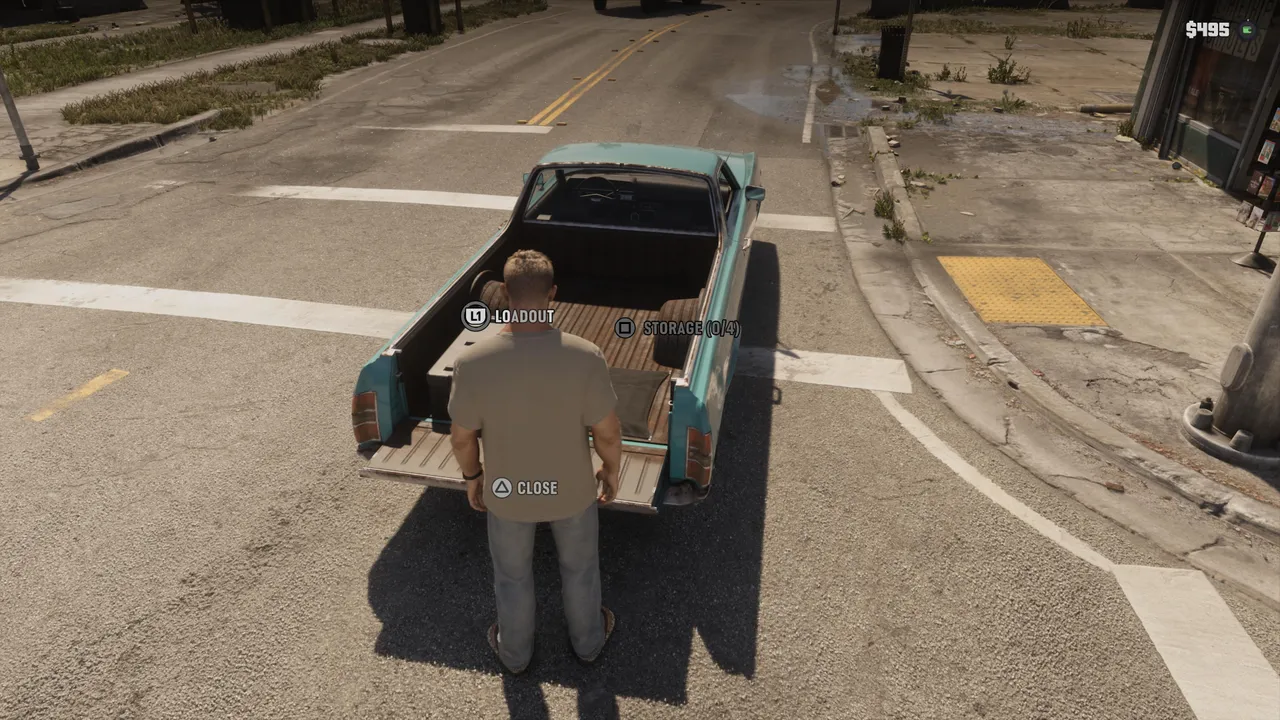
7. Change Your Appearance
For the single person icon, change something about your look. Take your hat or sunglasses off if you’re wearing them, or put them on if you aren’t. Either way, the description stops matching.
8. Change Your Outfit
For the hanger icon, change your clothes. Once every icon is dealt with, the remaining heat will soon die out.
9. Behave While the Police Search
While the heat is fading, don’t give the cops a reason to look twice. Drive carefully, keep your weapon away and avoid committing any crimes. One mistake and the chase starts again.
Quick Tip: Put on a hat and sunglasses before you start trouble. When it’s time to lose the heat, take them off, and the appearance icon is dealt with in seconds.
DON'T MISS!