Trending
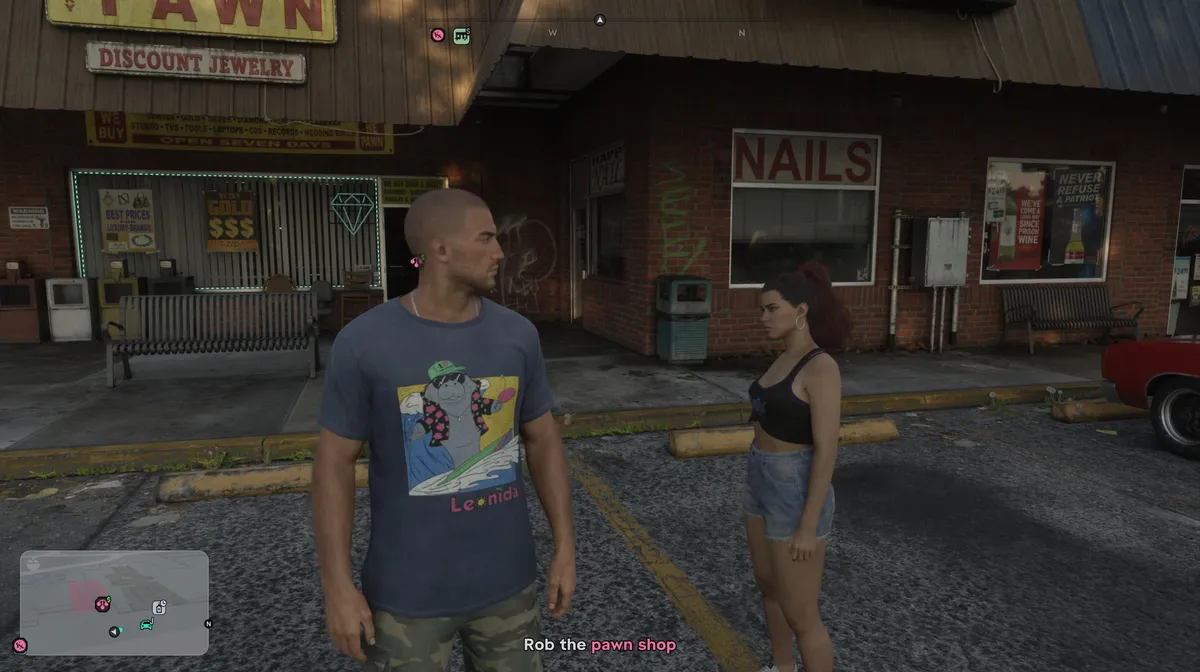
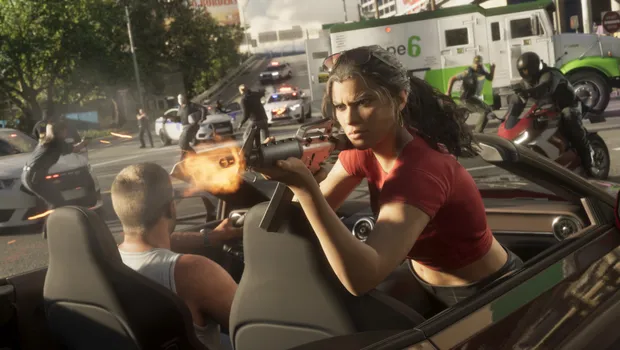
With two protagonists, Grand Theft Auto 6 is yet another game in the series since GTA 5, letting you swap characters, and plenty of players will want to try it as soon as they can. Rockstar Games makes you wait, though. For a good chunk of the story, the game decides who you play as, and there's no way around it. Here's when free switching unlocks and how it works, without spoiling the story.
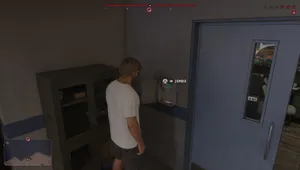
1. Play Through the First Chapter
You can't switch between Jason and Lucia at all during the first chapter. You play as one or the other only when the story calls for it, and there's no option to change on your own. Push through the whole chapter first. It takes a while, so don't worry if you've spent hours with the game and still can't swap.
2. Wait for Jason and Lucia to Reunite
The end of the first chapter makes one of the protagonists completely unavailable. Keep following the story into the second chapter, and once both characters become playable, free switching becomes available. You won't miss it, because the game tells you when it unlocks.
3. Hold Right on the D-pad
Once switching is unlocked, hold Right on the D-pad. This brings up your partner menu, and both characters' portraits appear in the bottom right corner of the screen.
4. Press R1 to Switch
While holding Right on the D-pad, press R1 on PlayStation 5 or RB on Xbox Series X|S. A short transition follows, and you take control of the other character. If they were off on their own, you might find them in the middle of something, like driving or shopping.
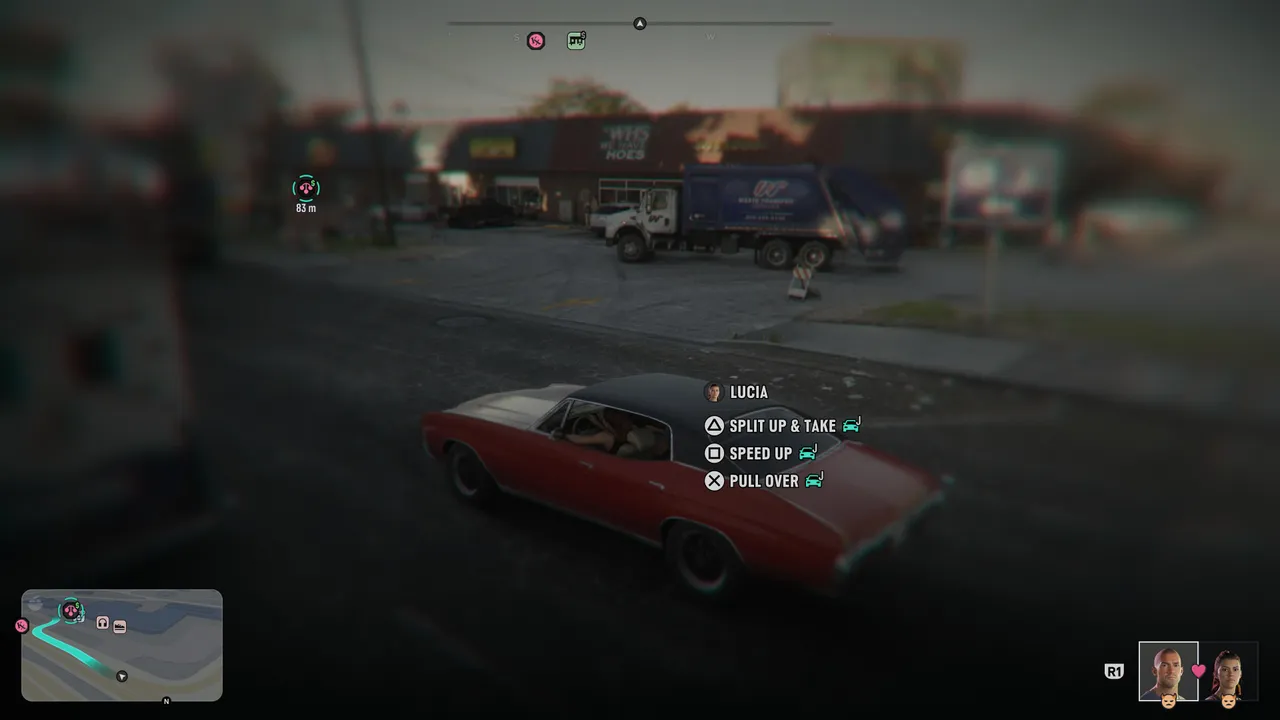
5. Check Whether Your Partner Is Available
You can't always switch. If your partner's portrait is darkened, they're busy, and you'll have to wait until they're free. This happens most often during missions, when the story needs a specific character in control.
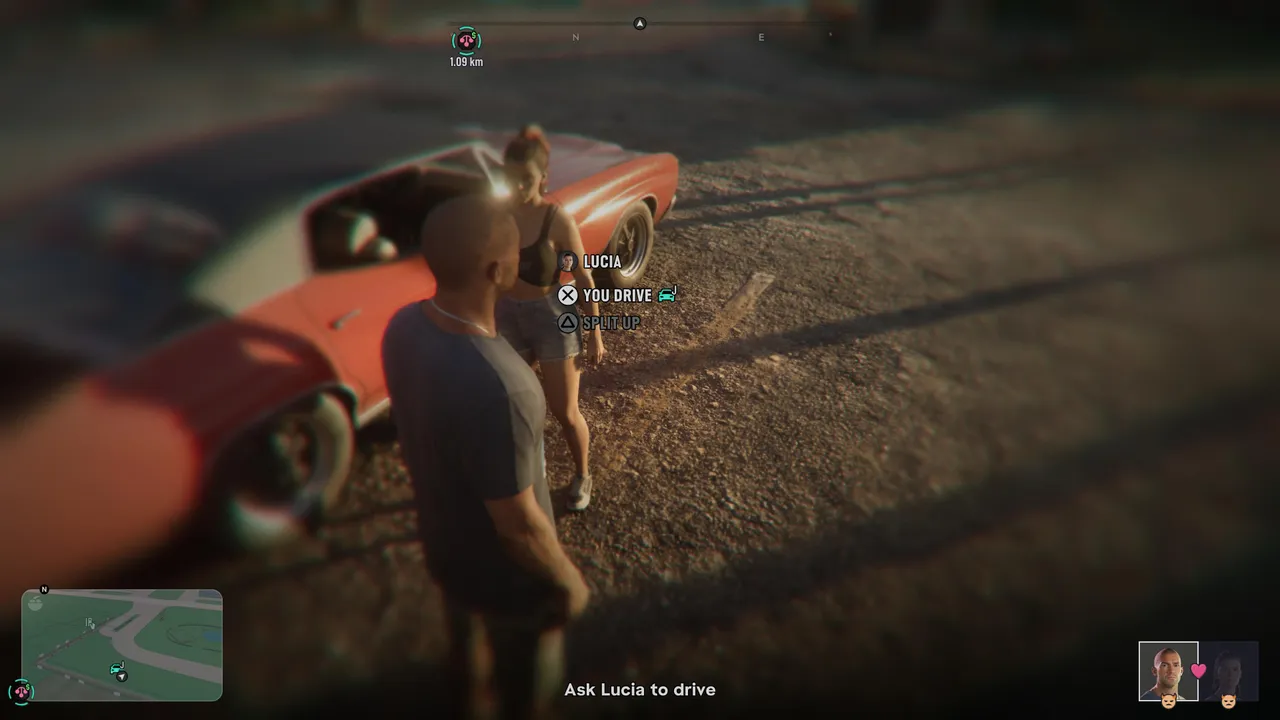
6. Use the Partner Menu for More
The same menu does more than swap characters. On foot, you can ask your partner to drive or split up. When they're behind the wheel, you can tell them to speed up or pull over, or split up and let them take the car. Splitting up is also handy when you want each of them doing their own thing, so you can switch between them later.
Quick Tip: Split Jason and Lucia up and send them to different parts of Leonida. When you get bored of one area, a quick switch takes you somewhere else entirely, with no driving required.
DON'T MISS!