Trending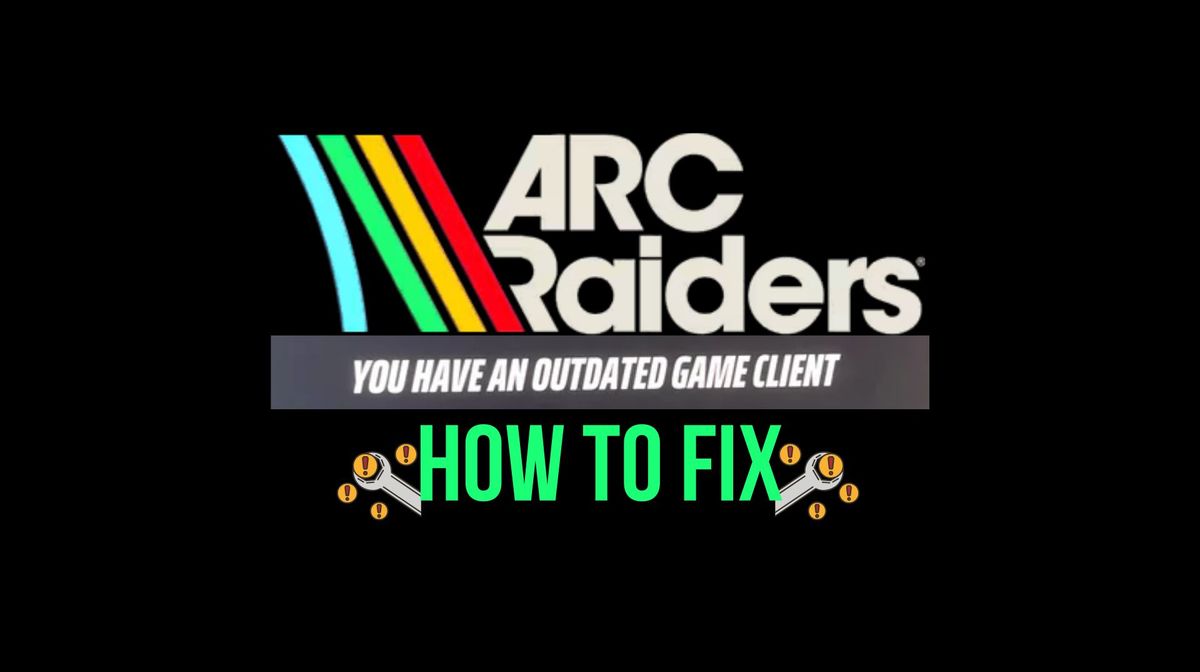
Arc Raiders is a newly released extraction shooter from Embark Studios. The game was officially released for all platforms on October 30, 2025.
While Arc Raiders is heavily optimised, with players facing little to no issues when playing the game, there have been some complaints of facing the “Outdated Game Client” error. If you're facing this error while playing the game, here are the best fixes you can use to get rid of this issue.
What is the “Outdated Game Client” error in Arc Raiders?
The outdated game client error in Arc Raiders is a game-sided issue. It usually pops up after a patch is deployed for the game. As the patch is installed, any online player running the game on the latest patch might not be able to join another player running the game's previous version. This error was also present in Embark's multiplayer shooter The Finals.
How to Fix “Outdated Game Client” Error in Arc Raiders
If you face this error when you start playing the game, here's what you can do:
Verify Game Files
If you're facing this error on Steam or Epic Games, then try to verify the game files by closing all instances of the game. Here's how you can verify the game files for Arc Raiders:
- Head to the game's page through your game library
- Click on Manage, then select Properties
- Now select Installed Files
- Click on Verify Integrity of Game Files
Steam will verify the game files, delete corrupt files, and automatically update the game with the latest game files. Once you are done with the game file verification, launch the game, and it should be running properly now. If the error is still persistent, then move on to the next fix.
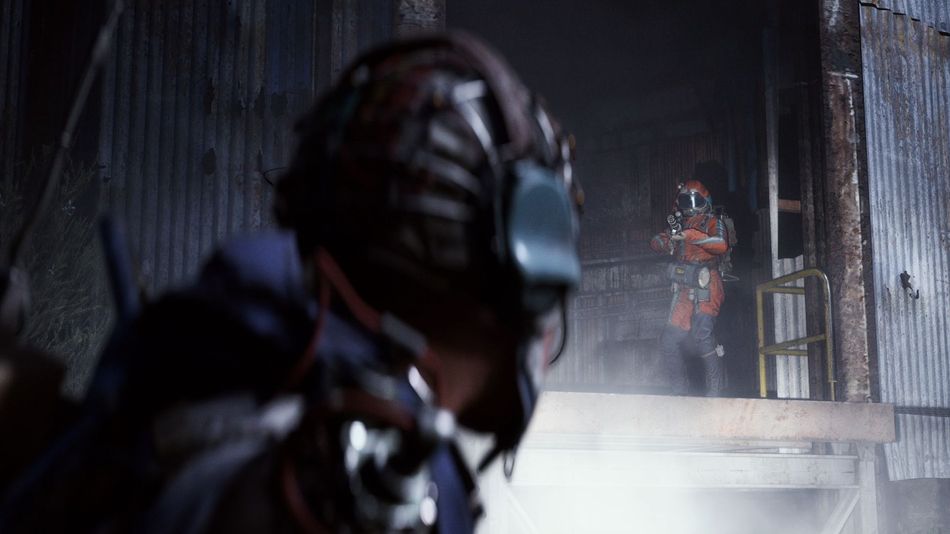
Check if Your Game is Updated
If the error pops up again, then check if your game is updated. First, close all instances of your game and restart your platform/launcher. Once it boots up again, if your game has a pending update, let it finish. Usually, a pending update might cause the outdated game client, as there is a version mismatch with other players.
In a worst-case scenario, if you are still facing the error, contact the game support through Discord or their official X account for more information. A future major update or hotfix will be the best solution for any players facing the error even after trying our fixes mentioned above.
DON'T MISS: