Trending
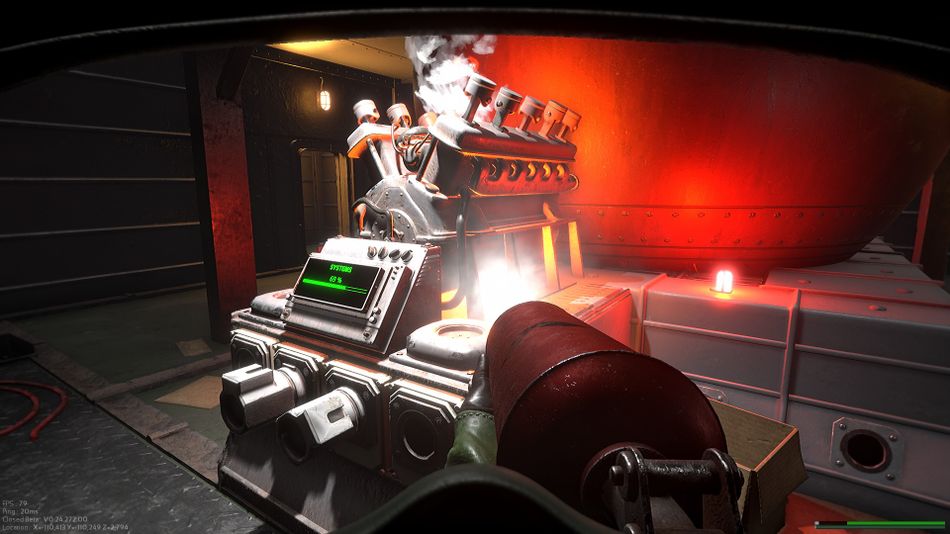
Marauders can tricky to launch with the game sometimes just being stuck on a loading screen just as you click "Log In".
When this loading screen is up, it will have a message saying "Connecting to backend" and while that would normally not be a big deal, it can sometimes become an infinite loading loop that will prevent you from playing.
Thankfully, the issue is not very persistent and can be worked around fairly easy.

The problem appears to occur when there is something wrong with the game's anti-cheat, Easy Anti-Cheat. More precisely, it happens when the anti-cheat's files are tampered with, unintentionally or otherwise.
In order to get the game to let you in, you will need to fix the mess by reacquiring the missing files, which can be done in one of two ways - reinstalling entirely or just verifying the files. The latter is much quicker and less of a headache so it's better to try that first.
To verify your game's files, go through the following steps:
- Navigate to Marauders in your Steam library
- Right-click it and go to Properties
- Choose "Local Files" on the left side of the new window
- Click "Verify integrity of game files..."

Let Steam do its thing and when it finishes, just launch the game which should now let you log in and play without a hitch.
AltChar - Latest news:
- Valorant patch buffs Skye, Reyna and Yoru, nerfs Kay/0
- Company of Heroes 3 has been delayed to jam-packed February
- CD Projekt Red have just announced two new Witcher games and plans for Cyberpunk 2077 sequel
- Krafton announce PUBG x Dead by Daylight collab for Halloween
- Rainbow Six Siege operators that will never be nerfed: Sledge