Trending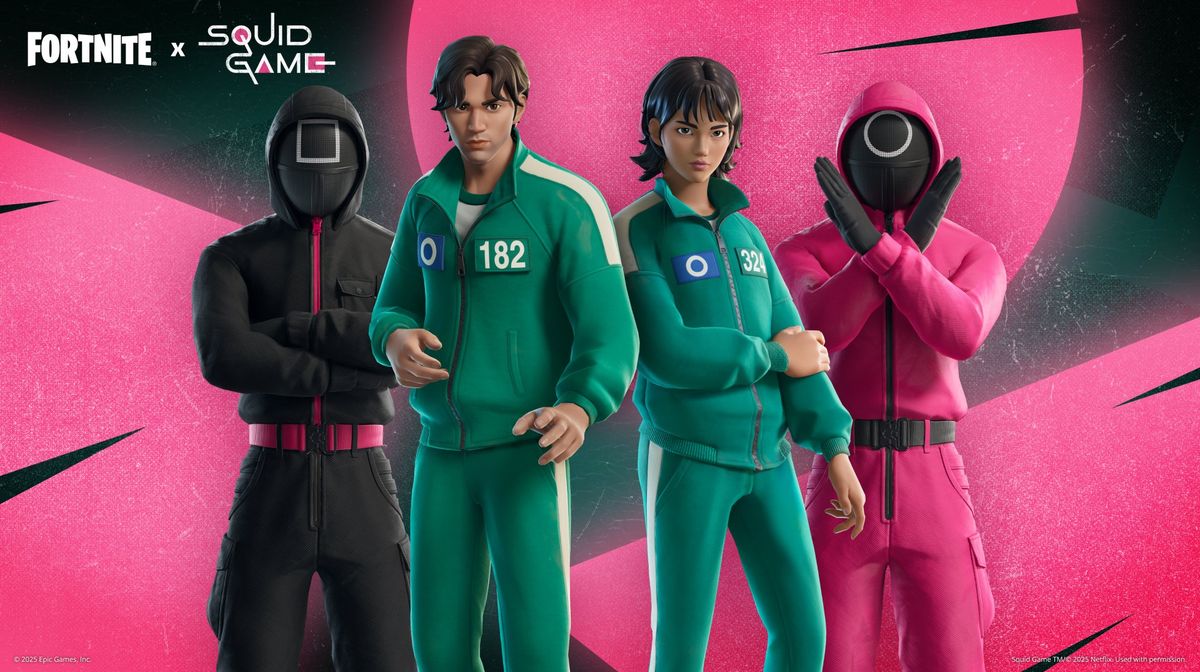

Fortnite is a cultural hub where the world of gaming and pop culture collide. Since the first crossover event with Marvel for Avengers: Infinity War, which brought Thanos to the game, there have been countless collaborations with iconic pop culture franchises.
Fast forward to 2025, Netflix is finally releasing the third and final season of Squid Game, which is a cultural phenomenon all over the world. Since the TV series is popular among adults and children alike, Epic Games and Netflix are collaborating to bring a Squid Game inspired event.
The Squid Game inspired crossover event includes a new set of Squid Game themed Twitch drops. Here's a guide on how you can get these Twitch Drops for Fortnite.

How to Link your Twitch to Epic Games Account
To claim the Squid Game Twitch drops, you must link your Twitch account to your Epic Games account. Here's how you can do it:
- Head to the Epic Games website
- Click on the Sign In prompt
- Sign in with your Epic Games account credentials
- Now click on Account
- Head to Linked Accounts
- Under the Twitch icon, click on the Link prompt
- Log in with your preferred Twitch account
How to Get All Squid Game Twitch Drops in Fortnite
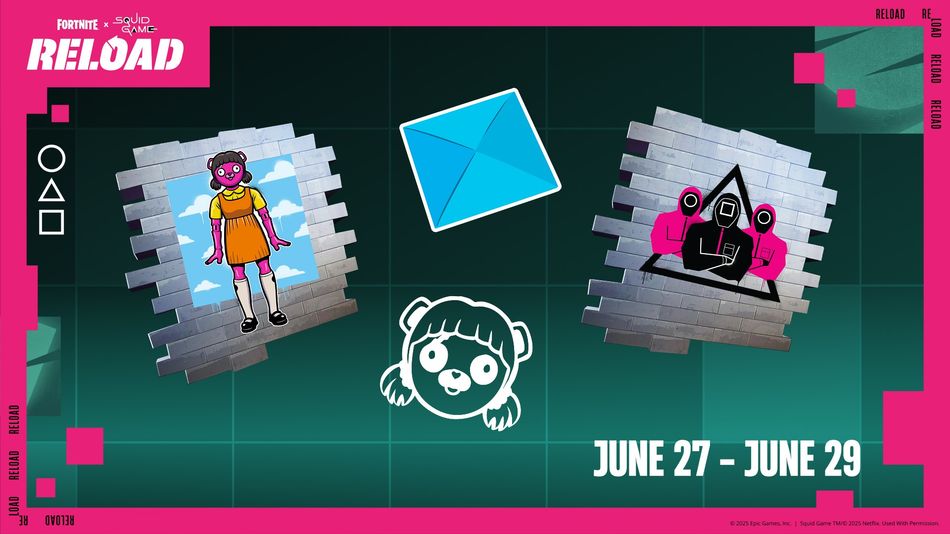
The Squid Game Twitch Drops for Fortnite include exclusive items like icons, sprays, and emoticons. To get the drops, players must simply tune into a Fortnite stream with drops enabled. Once they tune into a stream, they can get the drops by meeting the watch time requirements.
Here are all the Squid Game Twitch Drops:
- The Games Banner Icon: Watch drop-enabled Fortnite livestreams for 30 minutes
- Cuddly Games Spray: Watch drop-enabled Fortnite livestreams for 1 hour
- Guarded Games Spray: Watch drop-enabled Fortnite livestreams for 1 hour and 30 minutes
- Ddakji Flip Emoticon: Watch drop-enabled Fortnite livestreams for 2 hours
DON'T MISS: