Trending

EA Sports FC 24 is mostly well optimised for all systems. Moreover, with countless regular updates from EA, the game has managed to find itself in a very stable position since its launch.
Aside from network issues now and then, many players have reported facing lagging and stuttering issues while playing EA FC 24 on PC. The issue is prevalent for the game, irrespective of the platform players own it on. If you're facing the said issues while playing EA FC 24, here's a quick guide on how you can fix it.
How to fix lagging and stuttering issues in EA FC 24
EA FC 24's lagging and stuttering issues are prevalent due to few in-game and client sided issues. Moreover, in rare cases the game encounters issues due to corrupt files. Here's a list of fixes you can try to fix lagging and stuttering in EA FC 24:
- Update your Graphics Drivers
- Make sure to regularly update your graphics drivers to minimize the probability of encountering issues like lagging and stuttering.
- Latest NVIDIA Driver: https://www.nvidia.com/download/index.aspx
- Latest AMD Driver: https://www.amd.com/en/support/download/drivers.html
- Make sure to regularly update your graphics drivers to minimize the probability of encountering issues like lagging and stuttering.
- Turn off all infographics and added features to reduce clutter
- If you're playing EA FC 24 on a low-end PC, try to limit your frame rate to 60 FPS
- Turn off Strand Based Hair setting
- Head to the in-game settings
- Navigate to the Display Configuration tab
- Click on Strand Based Hair and set it to OFF
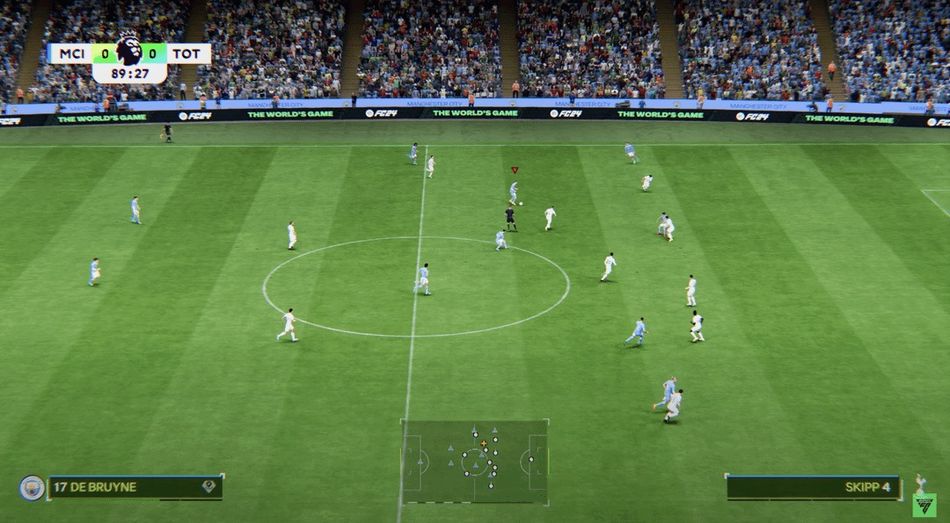
The console copies of EA FC 24 are better optimized than the PC port. The PC port performs well on its own, however, it has its own set of issues such as sudden lagging and stuttering.
If you're playing on a high-end PC and still encountering lagging and stuttering issues in EA FC 24, we recommend uninstalling and reinstalling the game to get rid of any corrupt files.
DON'T MISS: