Trending
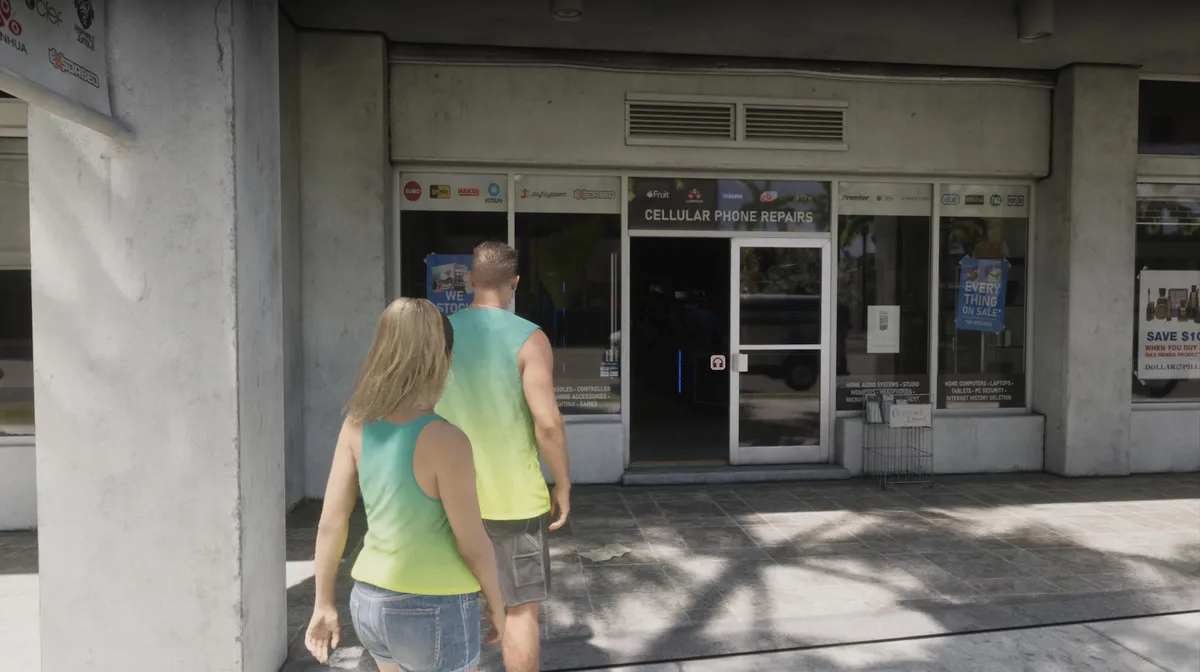
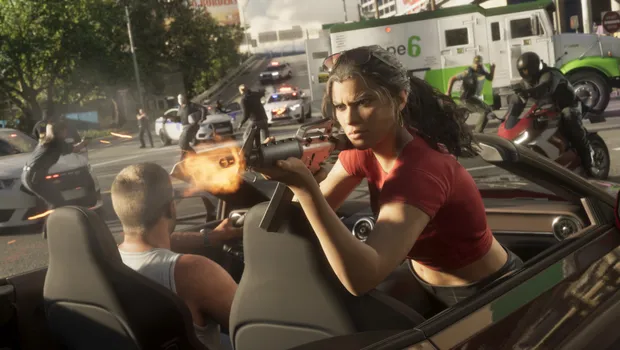
For as long as the series has existed, the music stopped the moment you stepped out of a car. Grand Theft Auto 6 is the first game in the series that changes that, letting Jason and Lucia carry the radio and on-demand podcasts with them wherever they walk. The catch is that Rockstar Games never explains it anywhere in the game, so plenty of players will go hours without knowing the feature exists. All it takes is a quick shopping trip and a couple of button presses.
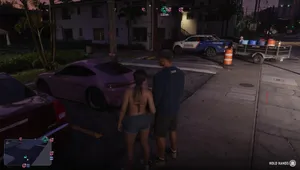
1. Find an Electronics Shop
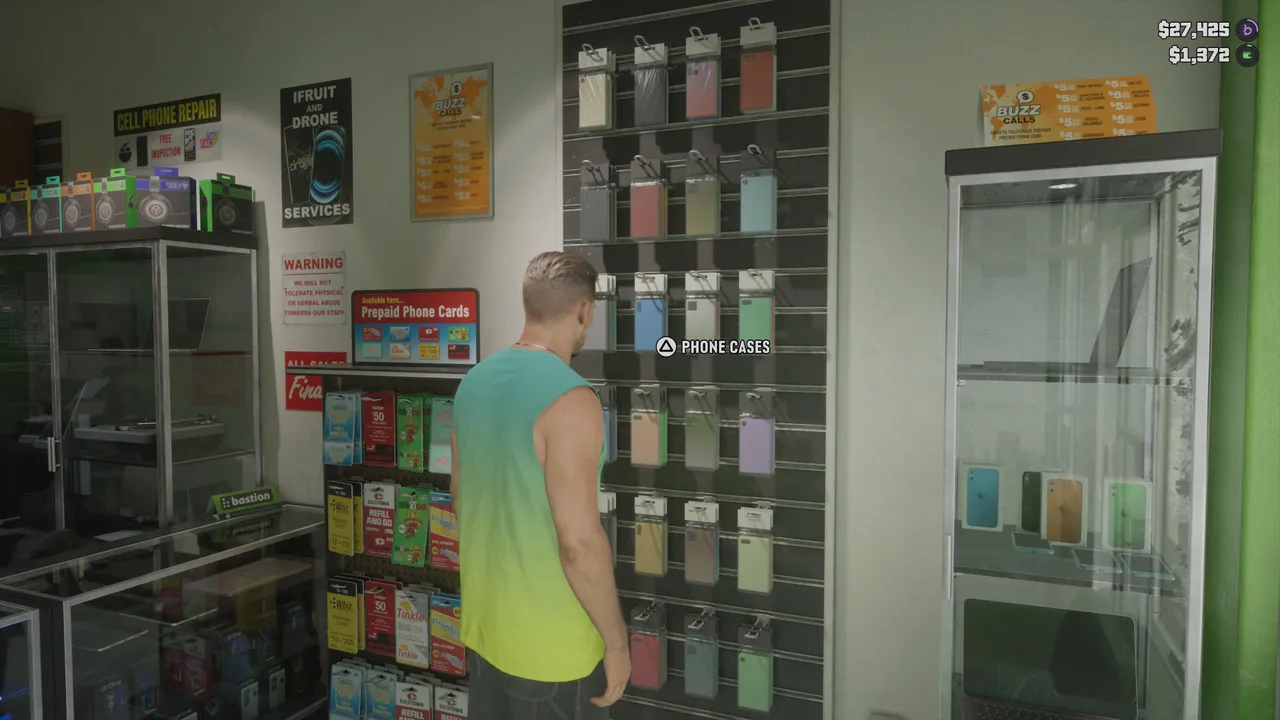
Headphones and earbuds are sold in electronics shops, which you'll find scattered across Leonida. Open the map and look for shops marked as electronics stores. Hovering over one shows what it sells, and you're after the ones that list headphones and earbuds. The same shops also sell phone cases, so you can give Jason and Lucia's phones a fresh look while you're there.
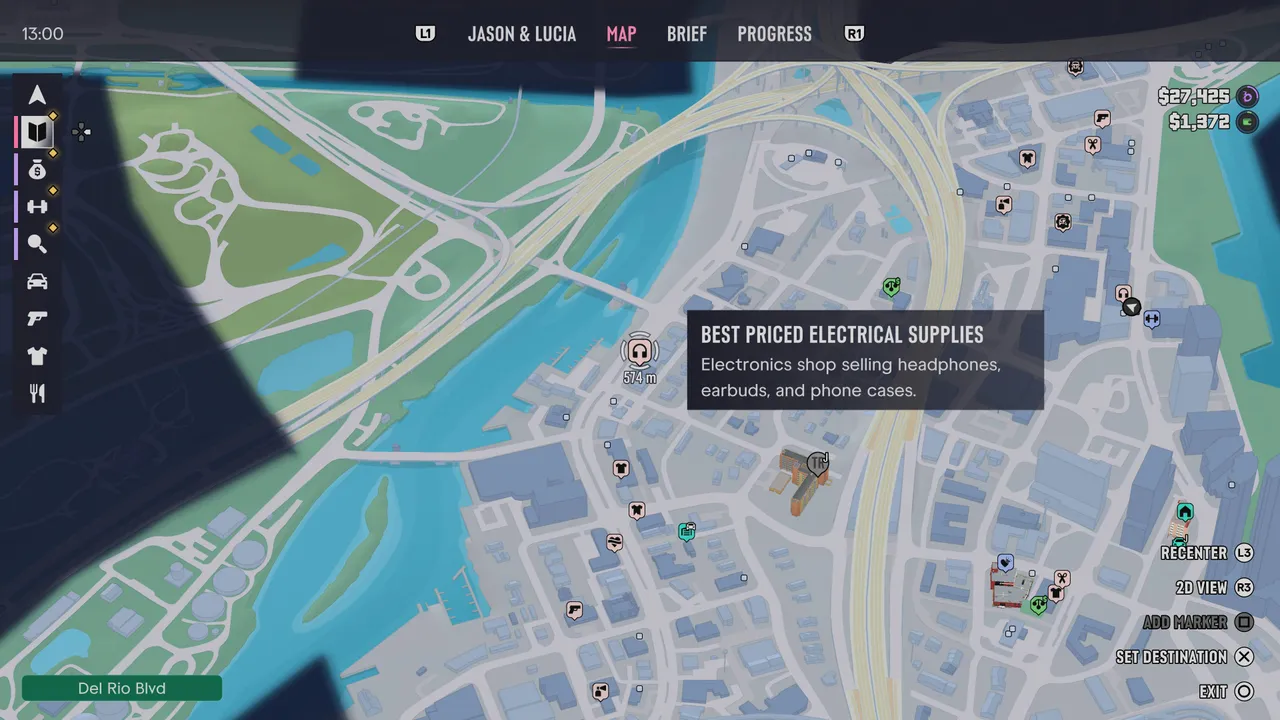
If you'd rather not scan the whole map, the in-game Index has an Electronics section under its Style tab that lists every shop in one place.
2. Buy a Pair for Both Jason and Lucia
There are two options to choose from: over-ear headphones and in-ear earbuds. Both do exactly the same job, so it comes down to which look suits the character. Over-ear Clef Headphones cost $199, while earbuds are a bit cheaper, and both come in several colours.
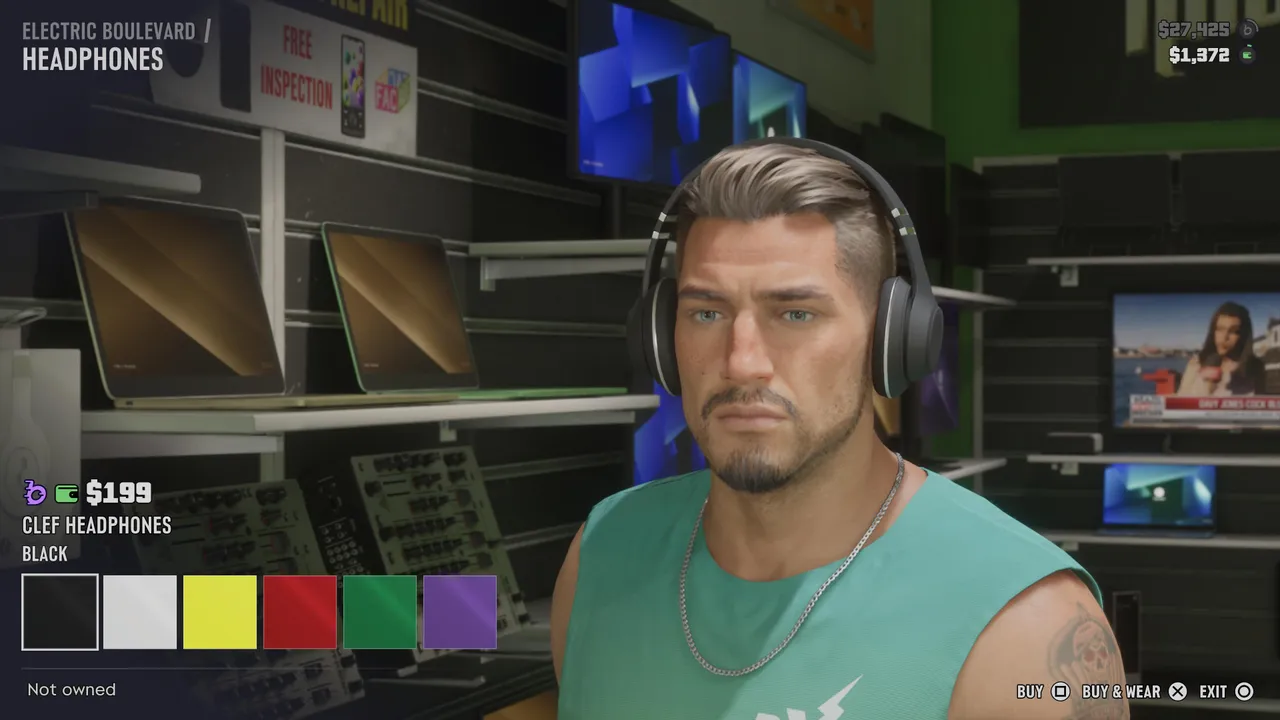
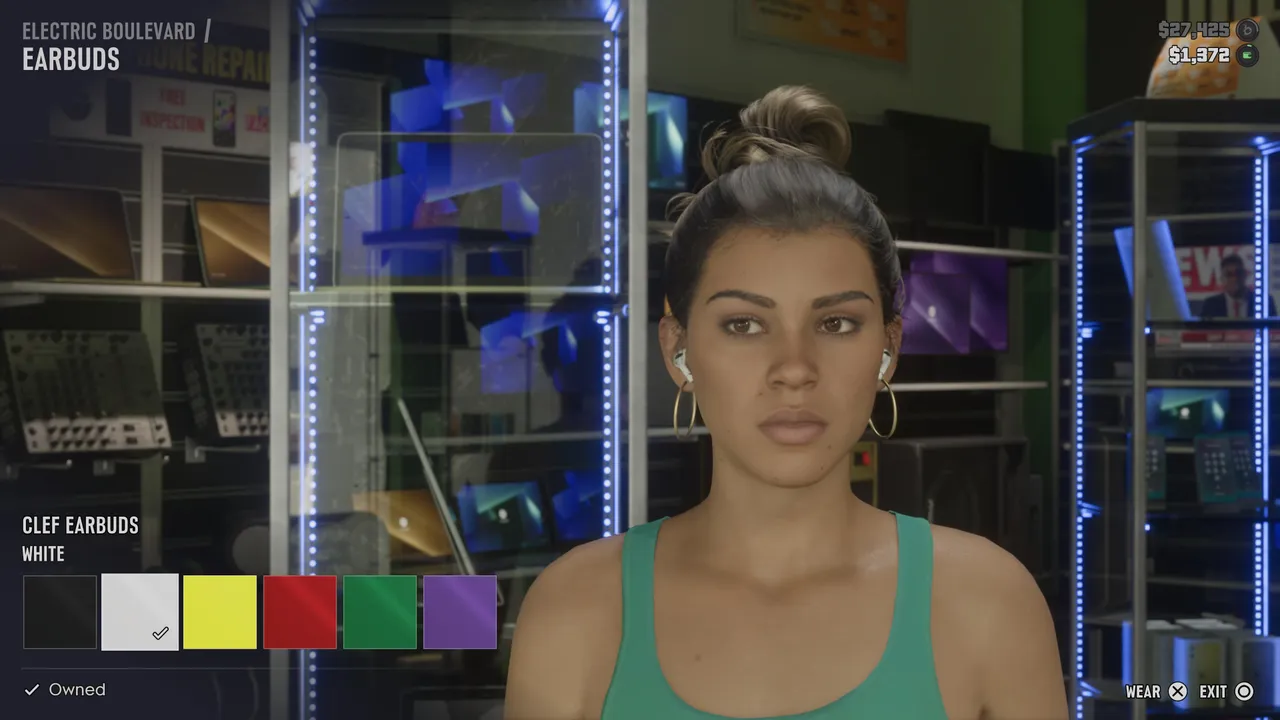
Keep in mind that the purchase only counts for the character who made it. Jason and Lucia each need their own pair, so switch characters and buy a second set if you want music on foot with both of them, or be nice and buy them for your partner; this might even improve your relationship. Choose Buy & Wear to put them on immediately.
3. Put the Headphones On From the Item Wheel
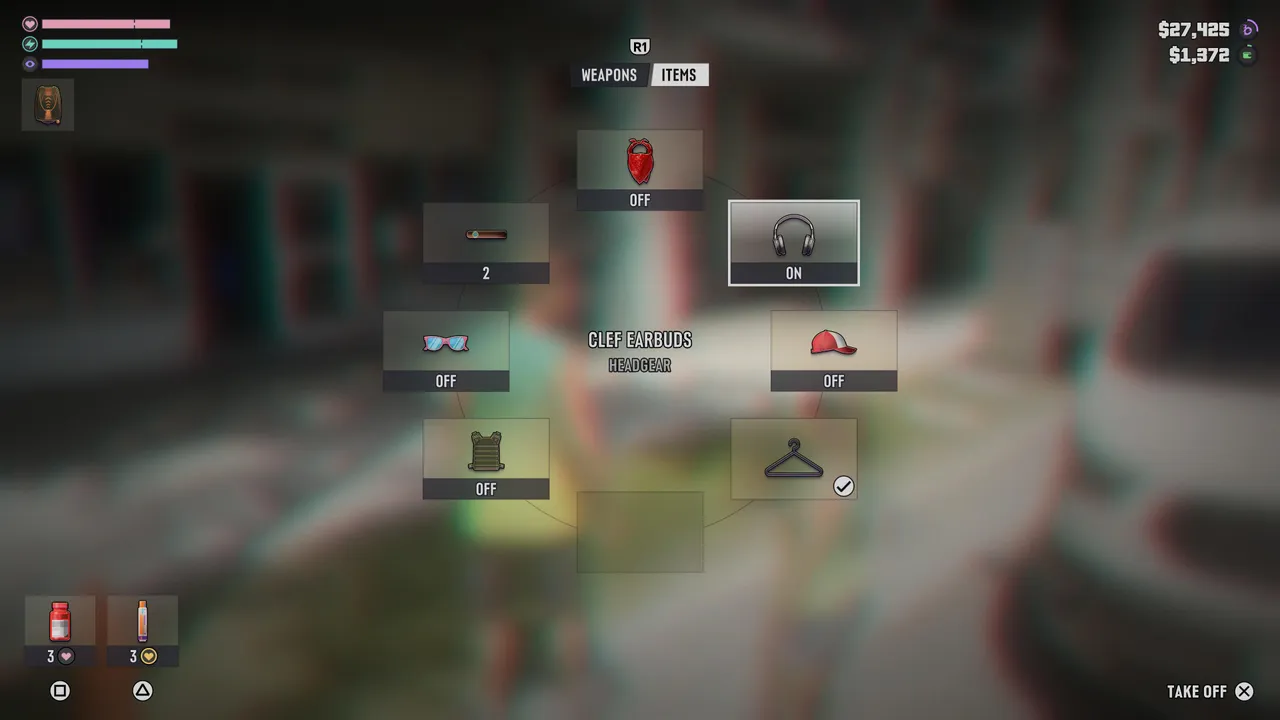
If you bought them without wearing them or took them off later, you can equip them at any time. Hold L1 on PlayStation 5 or LB on Xbox Series X|S to open the wheel, then switch to the Items tab. Your headphones or earbuds sit in the headgear slot at around the 2 o'clock position. Highlight them and toggle them on.
4. Pick a Radio Station or Podcast
With the headphones on, press and hold Left on the D-pad while on foot. This opens the same radio selection you use in vehicles, with every station available, plus on-demand podcasts. Scroll to the one you want and release the D-pad to start listening.
The headphones connect to your character's phone, so the music keeps playing as you get in and out of cars. That makes a big difference during long walks, foot chases or simply wandering around Vice City.
5. Turn Them Off When You Need To
If you want to hear the world around you again, open the wheel, go back to the Items tab and select the headphones once more to take them off. They stay in your inventory, so you can put them back on whenever you like.
6. Can You Play Your Own Music?
Unfortunately, no. There's no Spotify or any other service integration, and Rockstar Games hasn't added any way to play your own music in the game. You're limited to Leonida's radio stations and podcasts. With 22 stations and around 750 licensed tracks, though, there's plenty to keep you busy.
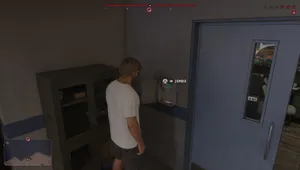
Quick Tip: Outside of vehicles, you can also turn on radios you find around the world by pressing Left next to them. They only play radio stations, though, so you'll still need headphones for podcasts.
DON'T MISS!