Trending
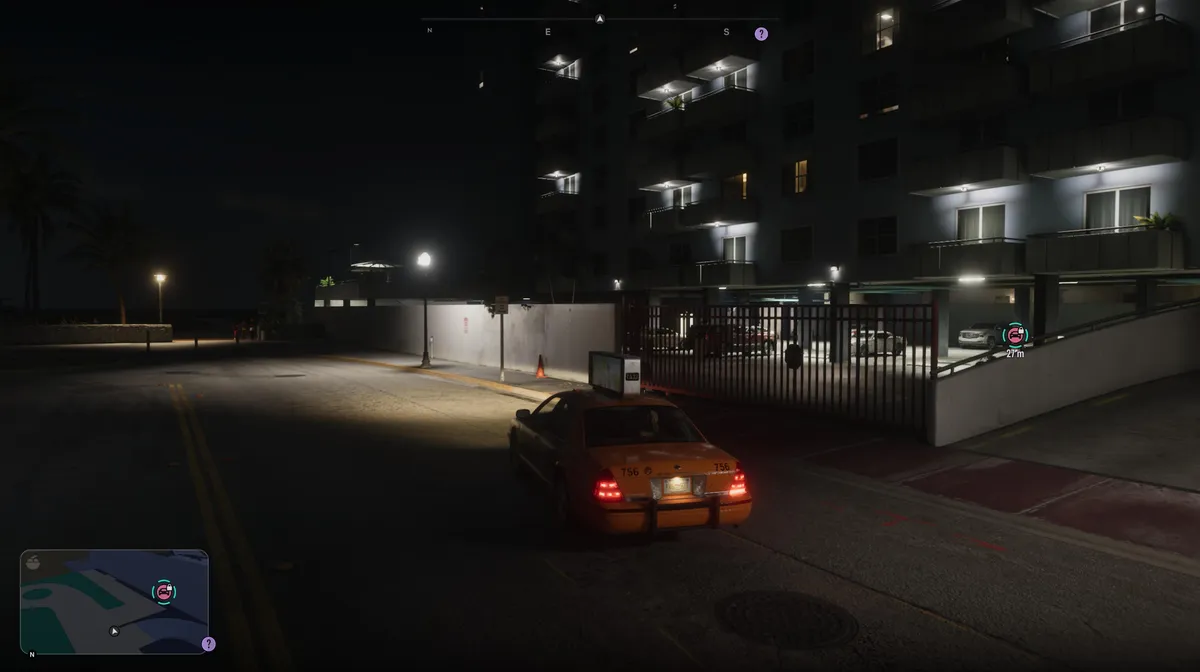
Fast travel in the GTA series has always worked a little differently than in other open-world games, and Grand Theft Auto 6 is no exception. There's no button on the map that instantly takes you to a marked location. Instead, Rockstar Games brought back the system from GTA 5, where getting somewhere quickly costs you a bit of time and money. The game never explains any of this, so unless you remember how it worked in Los Santos, you're left to figure it out yourself. Here's how it works.

1. Find Paradise Taxi in Your Contacts
The only proper way to fast travel is through a taxi service. Press Up on the D-pad to take out your phone and open your contacts. Both Jason and Lucia have plenty of them, and you can scroll through to see who you can call or text.
This is where most players get stuck. The taxi company isn't listed under T, as you might expect. It's called Paradise Taxi, so you'll find it under P. It isn't there the moment the game begins, though. The game hands you the Paradise Taxi number during one of the early story missions in the first chapter, called Gone Fishing, so you won't have to wait long for it.
2. Call for a Cab
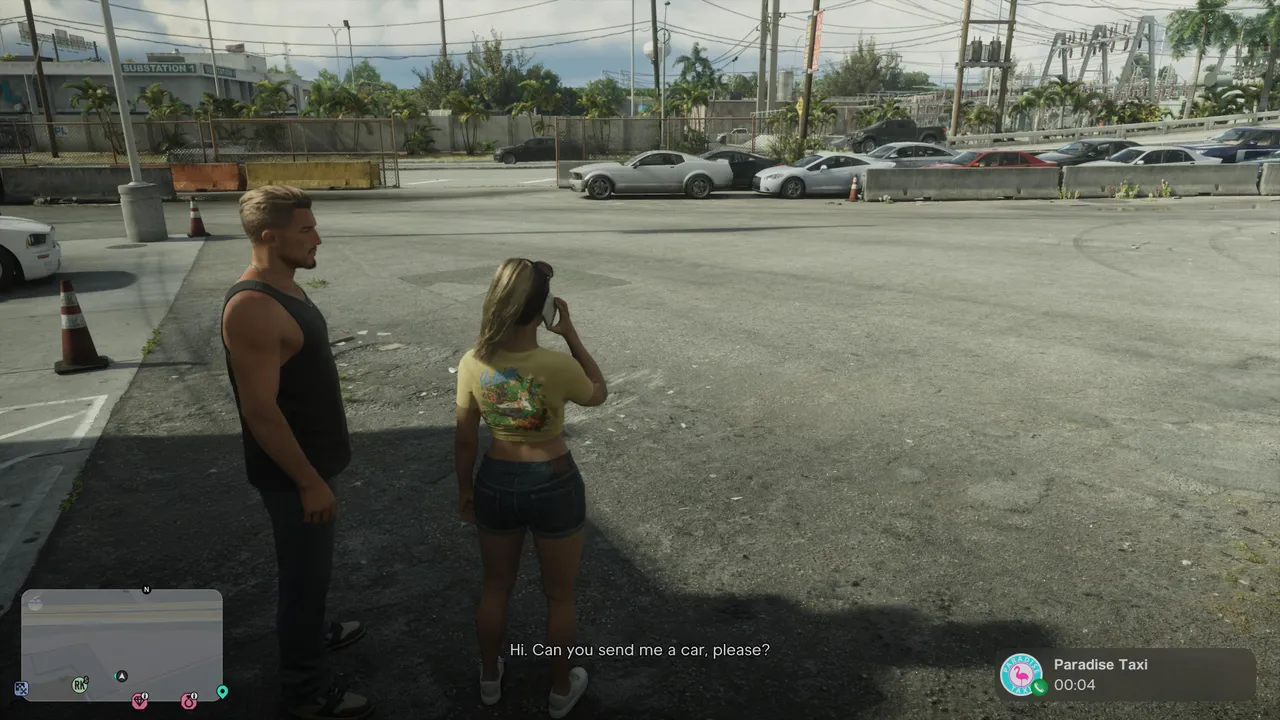
Select Paradise Taxi and call it. After a few seconds, the dispatcher picks up, and the rest is completely automated. Your character asks for a car, and a cab is sent to your location.
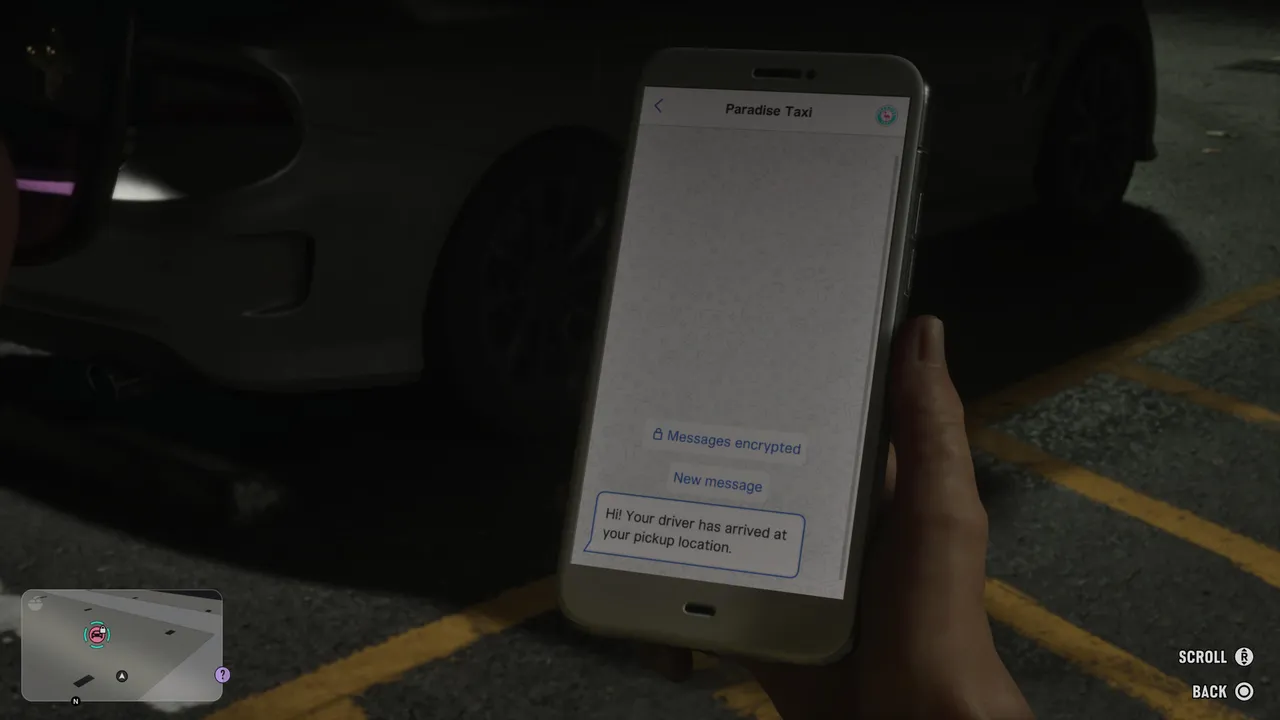
Wait a moment, and you'll get a text from Paradise Taxi telling you that your driver has arrived at your pickup location. Walk over to the cab and get in the back.
3. Set Your Destination
Open the map and put a waypoint on the place you want to go. You can do this before you call the cab or after you're already sitting in the back seat. Once the waypoint is set, it appears among the options when the driver asks where you want to go, along with the price of the ride.
The longer the journey, the higher the fare. Early in the game, this can feel quite expensive, but once you start earning proper money, it barely makes a dent. Keep some cash on you, as the taxi takes the money you're carrying, not what's in your bank account.
4. Skip the Journey
Picking a destination only gets the driver moving, and he'll drive you there in real time. To actually fast travel, hold L2 on PlayStation 5 or LT on Xbox Series X|S to focus on the driver. Then press Triangle on PS5 or Y on Xbox to Skip Journey. It costs an extra $100 on top of the fare, but the ride is skipped entirely, and you arrive at your destination straight away.
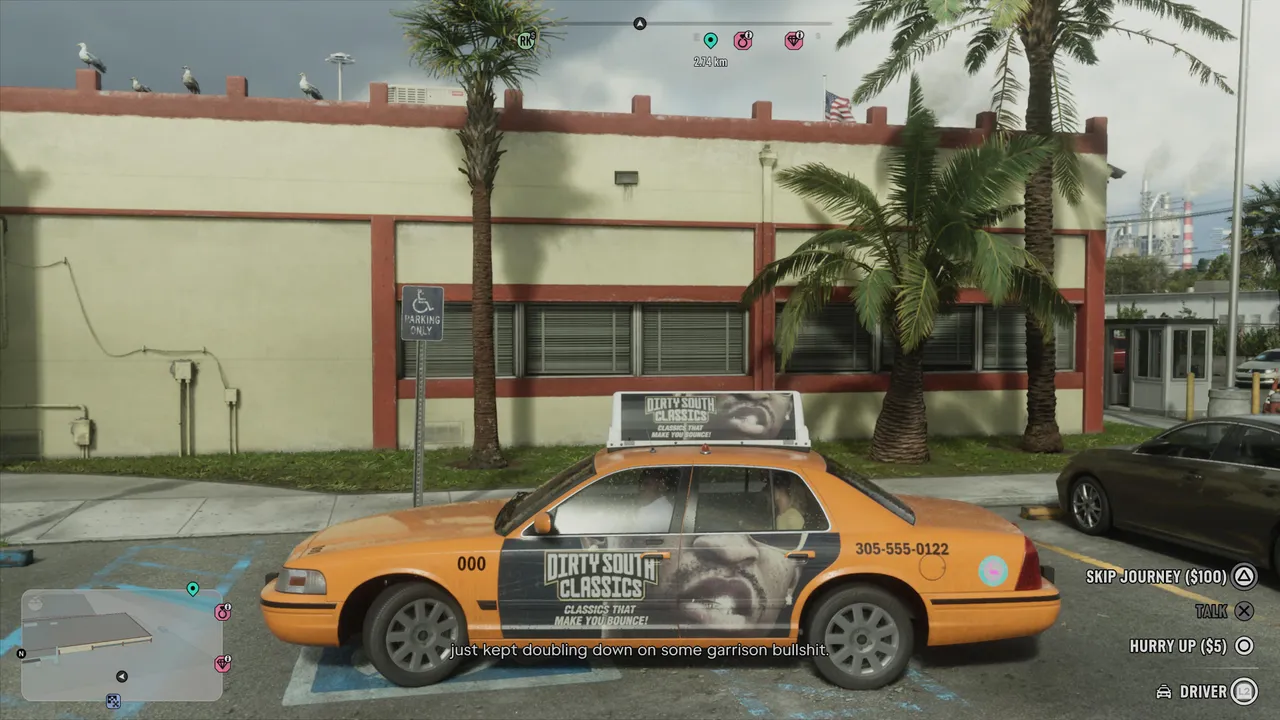
If you'd rather enjoy the ride but don't want to waste time, you can also ask the driver to Hurry Up for $5 by pressing Circle on PS5 or B on Xbox.
5. Other Ways to Get Around
Paradise Taxi isn't the only option. You can also hail a cab that's passing by on the street and skip the ride the same way. Later in the story, after the mission that sets up your BuckMe bank account, the RydeMe rideshare app becomes available on your phone. It works the same way as a taxi, except the fare comes out of your bank account rather than your pocket.
Buses and trains are also an option. They're much cheaper, and you can skip the journey once you're on board, but they stick to fixed routes and schedules, so you can't order them on demand.
If you just need your own car rather than a lift, our guide on how to call your car when you're stranded explains how to have it delivered to you.

Quick Tip: Avoid fast travel when you're in the middle of something that tracks your movements across the map, such as the Vice City substation run. A taxi ride resets that sequence, and you'll have to start over.
DON'T MISS!