Trending
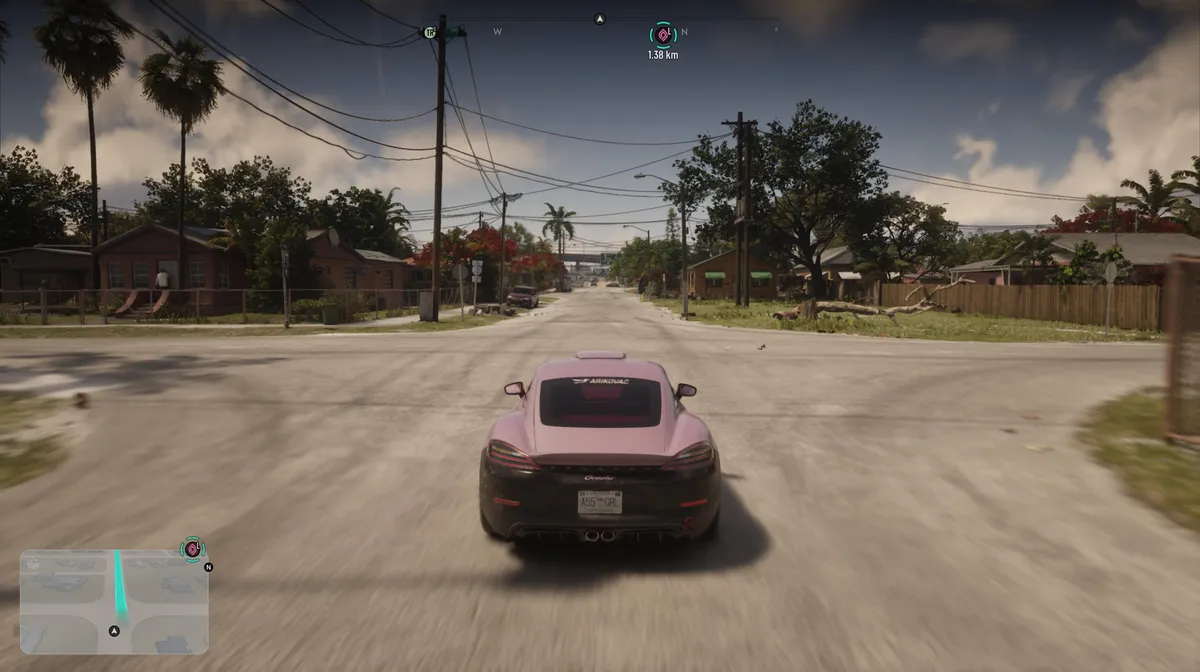
Driving in the GTA series has always meant one thing: foot down and hope for the best. Grand Theft Auto 6 changes that, at least for some players. Rockstar Games has given the game two very different ways to drive, and most players probably haven't even noticed. You can cruise around at a sensible speed for the road you're on, or you can drive like you always have, and the difference is all in how hard you press one button. The trick mostly works on PlayStation 5, thanks to the DualSense controller, but there's a bit of help for Xbox Series X|S players too. Here's how it works.

1. Check Your Controller Settings
The feature relies on two settings, and both are switched on by default. To make sure, pause the game and go to Settings, then the Controller tab. Under DualSense Wireless Controller Features, check that Adaptive Triggers Resistance and Adaptive Speed Limiter are both turned on.
Adaptive Triggers Resistance makes the L2 and R2 triggers push back against your fingers while driving and shooting. Adaptive Speed Limiter uses that resistance to create a point on R2 where the car holds a reasonable speed for the road you're driving on.
2. Drive Responsibly at the Resistance Point
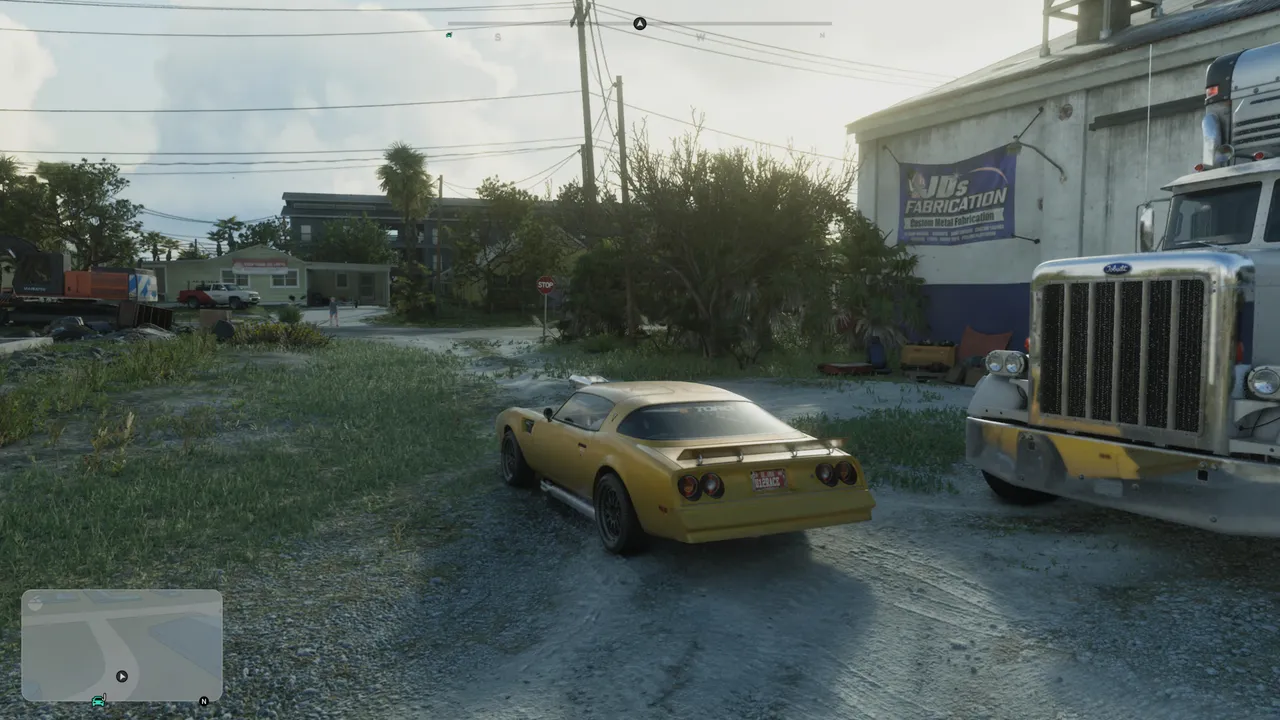
Get in a car and press R2 gently. As you squeeze the trigger, you'll feel it push back at a certain point. That's the speed limiter at work. Hold the trigger right at that point, without pushing past it, and the car drives normally, at a sensible speed for the road, as if you weren't flooring the gas pedal at all.
It works a lot like cruise control. You don't need to keep an eye on the speedometer, as the resistance tells you where the limit is. It's perfect for a relaxed drive around Vice City, keeping up with the flow of traffic, or simply taking in the scenery.
3. Push Past It to Drive Like a True GTA Player
Whenever you've had enough of driving by the rules, just press R2 a little harder. Push past the resistance point, and the limiter lets go, so the car accelerates as hard as it can. From there, you're back to the reckless driving the series is known for. Ease off to the resistance point again, and you're back to cruising.

4. What About Xbox?
Unfortunately, the Xbox controller doesn't have adaptive triggers that push back, so there's no resistance point to feel. You can still drive carefully, but it's down to you. Press RT gently and keep an eye on your speed, which is a lot harder to judge without the physical feedback.
If you'd rather not drive at all, the game's Auto Drive feature takes the wheel for you. Our guide on how to make your car drive itself explains how to set it up, and it works on both consoles.

Quick Tip: If you only ever want to drive flat out, you can switch off Adaptive Speed Limiter in the same menu. The triggers still give you feedback, but the resistance point on R2 disappears.
DON'T MISS!